 How-to
How to Turn Your Home Into a Smart Home in 7 Steps
Quick Summary
To turn your home into a smart home, start by deciding what you want it to do, such as controlling lights, watching the front door, or managing the thermostat. Check your Wi-Fi coverage in those rooms, then choose one ecosystem and add one room at a time. You do not need to rewire the whole house to begin.
- Write down your top three goals first, since they determine which devices to buy.
- Check Wi-Fi signal strength in every room where you plan to place devices.
- Choose one ecosystem before buying anything to keep setup simple.
- Look for the Matter logo, since Matter devices are more likely to survive an ecosystem change.
- Budget in three phases so you can stop at any point without wasting money.
Table of Contents
- What Makes a Home Smart, and Where to Start
- Choosing an Ecosystem and a Hub Without Locking Yourself In
- Smart Home Devices for Beginners, Room by Room
- Setting Up Voice Control and Google Home Integration
- Smart Home Automation Ideas That Actually Save Time
- Smart Home Cost: Budgeting Phases and Hidden Expenses
- Booking Your Smart Home Assessment With Integrity Home Technologies
- Frequently Asked Questions
What Makes a Home Smart, and Where to Start
Last Updated: November 17, 2026
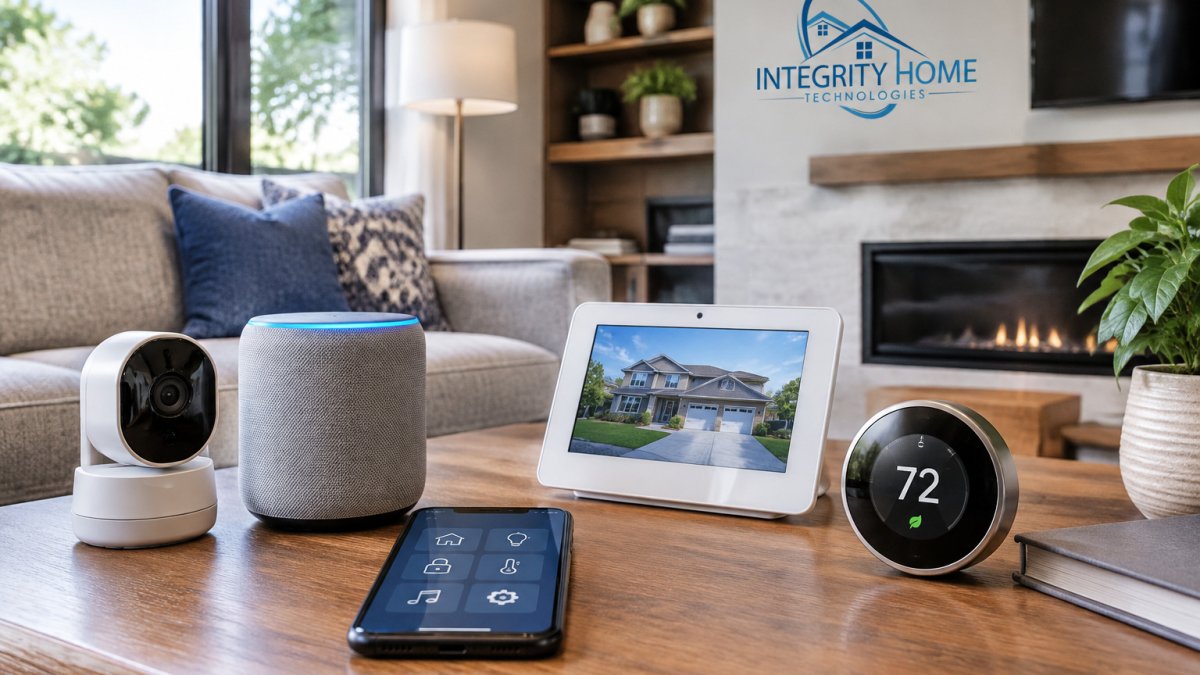
A smart home is a house where lights, locks, cameras, thermostats and appliances connect to a network and can be controlled from a phone, a wall panel or a voice assistant.
The best first step is to decide what you want the house to do.
Next, look at your Wi-Fi. Smart devices depend on a stable network, so a weak signal in the garage or basement will cause problems.
Here is a simple way to start:
- Pick two or three goals, such as lighting, security or climate
- Check your Wi-Fi coverage in those rooms
- Choose one ecosystem before buying anything
- Start with one room and one or two devices
- Add more devices once the first ones work reliably
Federal Trade Commission guidance on securing connected devices is a useful reference for basic home network hygiene before you connect anything new.
Choosing an Ecosystem and a Hub Without Locking Yourself In
An ecosystem is the group of devices and apps that work together under one platform, Amazon Alexa, Google Home, Apple Home, and Samsung SmartThings are the four most common in U.S. homes. A hub is the hardware that talks to devices over a local radio protocol such as Zigbee, Z-Wave, or Thread, and bridges them to your app and voice assistant. Some hubs are separate boxes; some are built into speakers, routers, or TVs. Matter is a shared standard backed by major manufacturers that lets products from different brands work across ecosystems, and Thread is a low-power network protocol that Matter devices often use. Because ecosystems and hubs determine which devices can work together, that compatibility is a useful starting point for deciding whether smart home automation fits your routines and budget.
Picking one ecosystem early keeps setup simple, but the right choice depends on what you already own and how you feel about privacy. Consider these points before you buy anything:
- Start with the phones in the house. If everyone carries an iPhone, Apple Home is the smoothest fit because it is built into iOS and the Home app. If the household is mixed or Android-heavy, Google Home or Alexa is more flexible.
- Check what you already own. A smart TV, streaming stick, or speaker you already use often decides the ecosystem for you. Replacing working devices to switch ecosystems is the most common budget mistake.
- Weigh privacy preferences. If privacy is a priority, favor local-first hubs and Matter devices that support local control.
- Decide how much you want to tinker. SmartThings and Hubitat appeal to people who want deep customization and local automation. Alexa and Google Home appeal to people who want plug-and-play setup.
- Confirm Matter support. Matter-certified devices are more likely to survive an ecosystem change. Check the product listing for the Matter logo and confirm which ecosystems the manufacturer lists as supported. Find out whether you can mix security camera brands in one system.
Protocols matter too, because they determine whether devices talk directly to a hub or rely on Wi-Fi:
- Wi-Fi devices are easy to set up but crowd your network.
- Zigbee and Z-Wave are low-power mesh protocols that need a hub but scale well to dozens of devices and use less battery.
- Thread is a newer low-power mesh protocol designed for Matter, and it needs a Thread border router, often built into a smart speaker or router you may already own.
- Bluetooth is fine for a single lock or sensor but is not a whole-home backbone.
Before you commit, check three things: which voice assistant the household already uses daily, whether the devices on your shortlist support Matter or your chosen hub, and whether the app is simple enough for every adult in the house to use without help.
Watch out: a cheap hub with a closed app can trap you, if the company stops updating it or shuts down its cloud service, your devices may stop working or lose remote access. Check the manufacturer's update history and whether the hub supports local control before you commit.
Smart Home Devices for Beginners, Room by Room
Start where the payoff is clear. Most beginners do well with smart lights, plugs, a video doorbell and a thermostat.
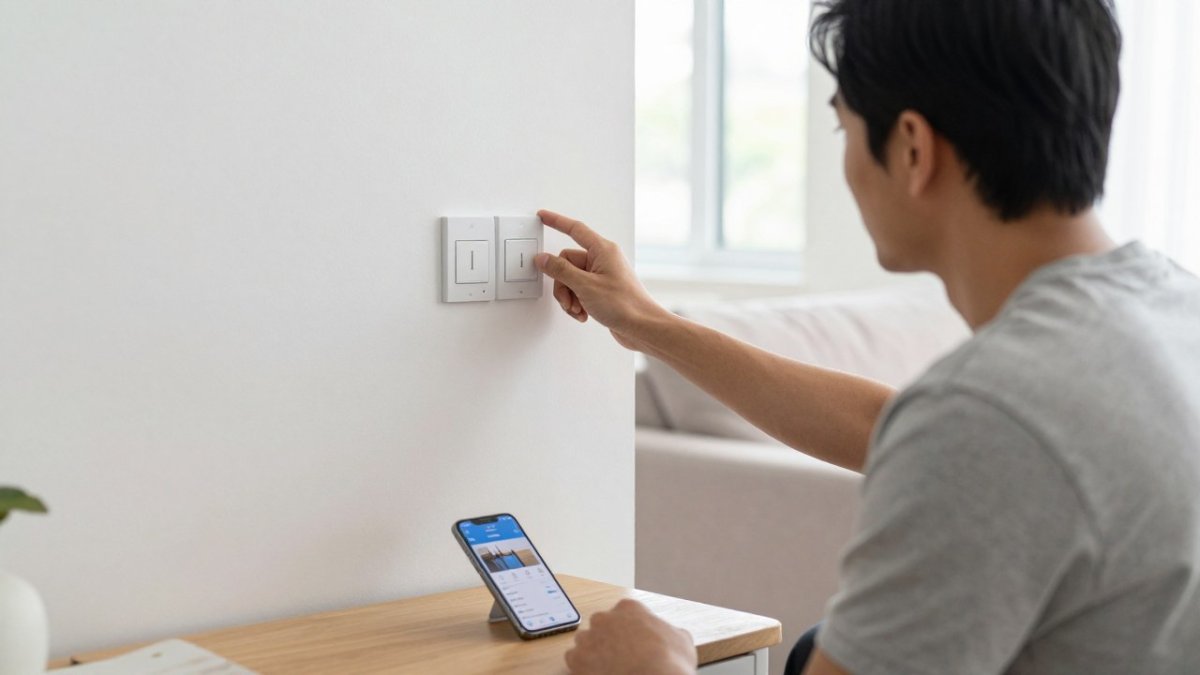
- Living room: smart bulbs or a smart dimmer switch, and a smart plug for a lamp
- Kitchen: a smart plug for a coffee maker, and a leak sensor under the sink
- Bedroom: smart blinds or a plug-in fan on a schedule
- Entryway: a video doorbell and a smart lock
- Garage: a door sensor that sends an alert when the door opens
Lighting, Plugs, and Switches
Smart bulbs are the easiest entry point because they screw into existing sockets. Smart switches replace the wall switch and suit rooms where you want the light to work the same way for everyone. A smart plug is the cheapest option and works well for lamps, fans and holiday decorations.
Keep one thing in mind: if a smart bulb is controlled by a wall switch that is turned off, the bulb will not respond. Leave wall switches on in rooms that use smart bulbs, or use smart switches instead.
Security, Sensors, and Cameras
Security devices give you the most peace of mind, and they also need the most care. Place cameras where they cover entry points, not the inside of a neighbor's window. Use sensors on doors and windows to get alerts without watching video all day.
Use strong, unique passwords and turn on two-factor authentication for every camera account. A camera with a weak password is a risk, not a safeguard.
Setting Up Voice Control and Google Home Integration
Voice control works best once your devices are set up in the app first. Follow this step-by-step guide to integrating smart home devices before you connect them to a voice assistant. Connect each device to the app, give it a clear name such as "kitchen ceiling light," and assign it to a room. Clear names make voice commands work better.
To set up Google Home integration:
- Open the Google Home app and tap the plus sign.
- Choose "Set up device," then "Works with Google."
- Search for your device's brand and sign in to its account.
- Assign each device to a room and test it with a voice command.
If a command fails, check the device name first. Most failed commands are caused by a name that is too similar to another device.
Smart Home Automation Ideas That Actually Save Time
Automations work best when they replace a daily task you already do. Try these:
- Turn off lights when the last person leaves the house
- Lower the thermostat at bedtime and raise it before the morning alarm
- Turn on porch lights at sunset
- Send a phone alert when a garage door stays open for more than 10 minutes
- Start the coffee maker at a set time
Avoid building complicated routines before you have tested simple ones. A routine with ten steps will fail in ways that are hard to diagnose.
Smart Home Cost: Budgeting Phases and Hidden Expenses
Smart home costs depend on device count, brand tier, and whether you hire a professional. For current pricing on your project, contact Integrity Home Technologies for a written estimate. You can also read what professional smart home installation typically costs to set expectations.
Build the budget in phases so you can stop at any point without wasting money:
- Phase 1: lights, plugs, and a hub or voice speaker, the lowest-risk spend.
- Phase 2: a video doorbell, door sensors, and a smart lock, the security layer.
- Phase 3: a thermostat, cameras, and advanced automations, the comfort and convenience layer.
Total cost of ownership goes beyond the sticker price. Compare the trade-offs in DIY versus professional smart home security before you commit to a plan. Budget for these recurring and hidden costs:
- Subscriptions: some cloud video storage and security monitoring plans carry recurring fees, so check the terms before you buy. Local storage (an SD card or a local NVR) can avoid the subscription but adds hardware cost.
- Batteries and consumables: sensors, locks, and cameras use batteries that need replacing every six to twenty-four months depending on device and traffic.
- Network upgrades: a mesh Wi-Fi system or an additional access point is sometimes needed once device count climbs.
- Installation labor: replacing a light switch is a DIY job for many homeowners, but new wiring, panel work, and outdoor camera runs usually need a licensed electrician. Electrical work beyond a simple fixture swap often requires a licensed electrician, and local permits may apply.
- Replacement and end-of-life: budget for replacing a hub or devices every five to seven years, and favor Matter devices to reduce the risk of a forced upgrade when an ecosystem changes.
Compare DIY versus professional installation honestly. DIY saves labor but costs time and carries risk on wiring; professional installation costs more upfront but usually produces cleaner work, correct network placement, and a single point of accountability. Ask any installer for a written estimate that itemizes each device, labor, wiring, subscriptions, and tax so you can compare bids on equal terms.
The article breaks smart home spending into three phases, each building on the last.
| Phase | What it covers | Why it matters |
|---|---|---|
| Phase 1 | Lights, plugs, and a hub or voice speaker | Lowest-risk spend |
| Phase 2 | Video doorbell, door sensors, and smart lock | Security layer |
| Phase 3 | Thermostat, cameras, and advanced automations | Comfort and convenience layer |
Booking Your Smart Home Assessment With Integrity Home Technologies
Every smart home project starts with a clear plan. Integrity Home Technologies offers an expert assessment of your project needs at no cost, so you can see what makes sense for your home before you spend money. Our locally owned team focuses on honest communication and clean, careful work.
If you are ready to talk through your goals, contact us for a free estimate. Check whether we offer smart home automation installation in Northern Kentucky for your area. We will look at your Wi-Fi, your devices and your budget, then give you a straightforward recommendation.
Frequently Asked Questions
How much does it cost to convert your home to a smart home?
Costs depend on how many rooms you cover, which devices you choose, and whether you need professional wiring. A starter setup with a hub, a few smart plugs, and some bulbs can be done for a modest budget, while whole-home systems with cameras, sensors, and in-wall switches cost considerably more. Budget in phases, start with the rooms you use most, and ask for a written estimate that lists each device and the labor involved. For current pricing on your project, request a free estimate from Integrity Home Technologies.
Do smart home devices work without Wi-Fi?
Some do and some don't. Many smart devices rely on a cloud service and stop working when the internet goes down, while devices that use local protocols such as Zigbee, Z-Wave, or Thread can keep running key functions on a local hub. Lights and plugs connected through a local hub often keep working during an outage, though remote access and voice commands may not. When you shop, check whether a device offers local control, and make sure your hub supports it.
Can I make my home a smart home without replacing existing appliances?
Yes. Smart plugs, smart bulbs, and retrofit switches can turn existing lamps, fans, and appliances into connected devices without replacing them. Plugs work well for anything that is plugged into an outlet, and smart dimmers or switch modules work for ceiling fixtures. Older cameras and thermostats may need replacing, but many homes can start with the devices they already have and add connected products over time.
Should I use Google Home, Alexa, Apple Home, or Home Assistant?
Choose the platform that matches the phones and devices your household already uses. Check that the devices on your shopping list support the platform you pick before you buy.