 How-to
Smart Home Automation Installation in Northern Kentucky
Table of Contents
- What Smart Home Automation Installation Includes
- How Smart Home System Setup Works, Step by Step
- Smart Home Networking: The Foundation Most People Skip
- Home Automation Cost: What Drives Your Quote
- Smart Lighting Installation, Inside and Out
- Security Systems, Cameras, and Monitoring
- Home Theater, Audio, and Entertainment Integration
- Service Areas and Choosing a Local Installer
- Frequently Asked Questions
Last Updated: October 20, 2026
What Smart Home Automation Installation Includes
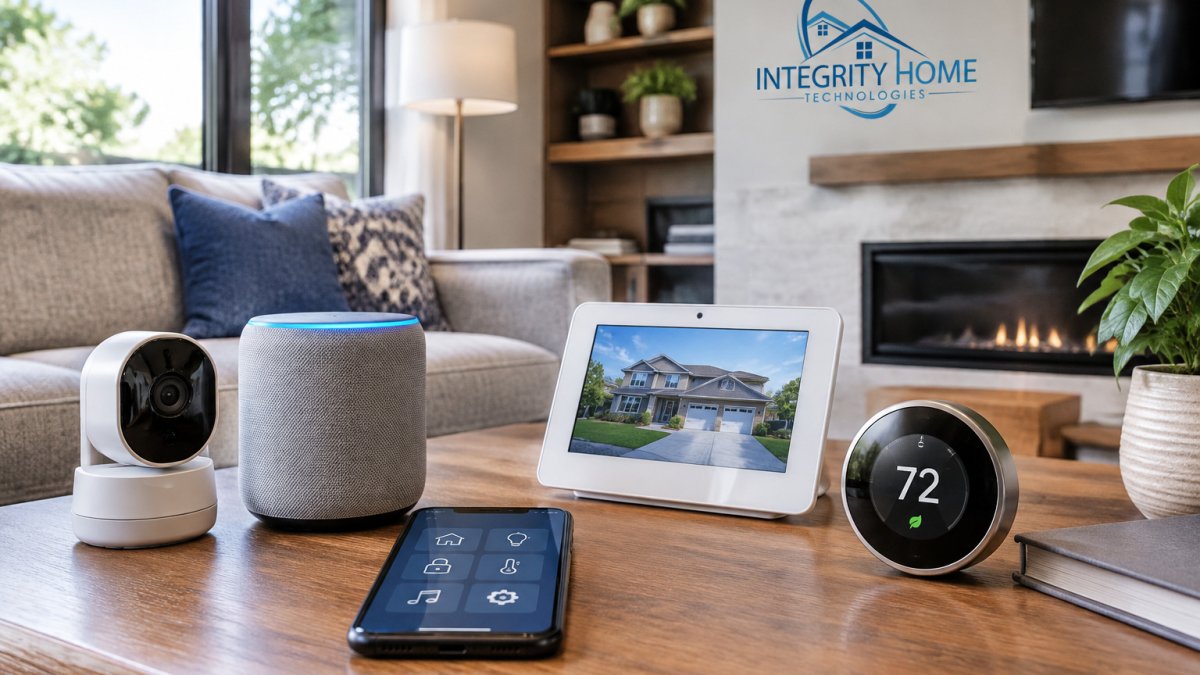
Smart home automation installation northern in Kentucky is the professional process of wiring, mounting, configuring, and connecting the devices that control lighting, security, climate, and entertainment in a home. It starts with low-voltage wiring and network readiness, then moves into device setup and system integration.
A smart home system is a set of connected devices that share one network and one control layer, so a single app or voice command can run them together. That shared layer is what separates real automation from a drawer full of separate remotes.
Core Systems Most Homeowners Start With
Most projects begin with four systems: lighting control, a security system with cameras, a smart thermostat for climate control, and a home network built for connected devices. From there, homeowners add whole-home audio, home theater, and outdoor lighting as budget allows. We generally advise starting with the network and security layer, because every later addition depends on them.
How Smart Home System Setup Works, Step by Step
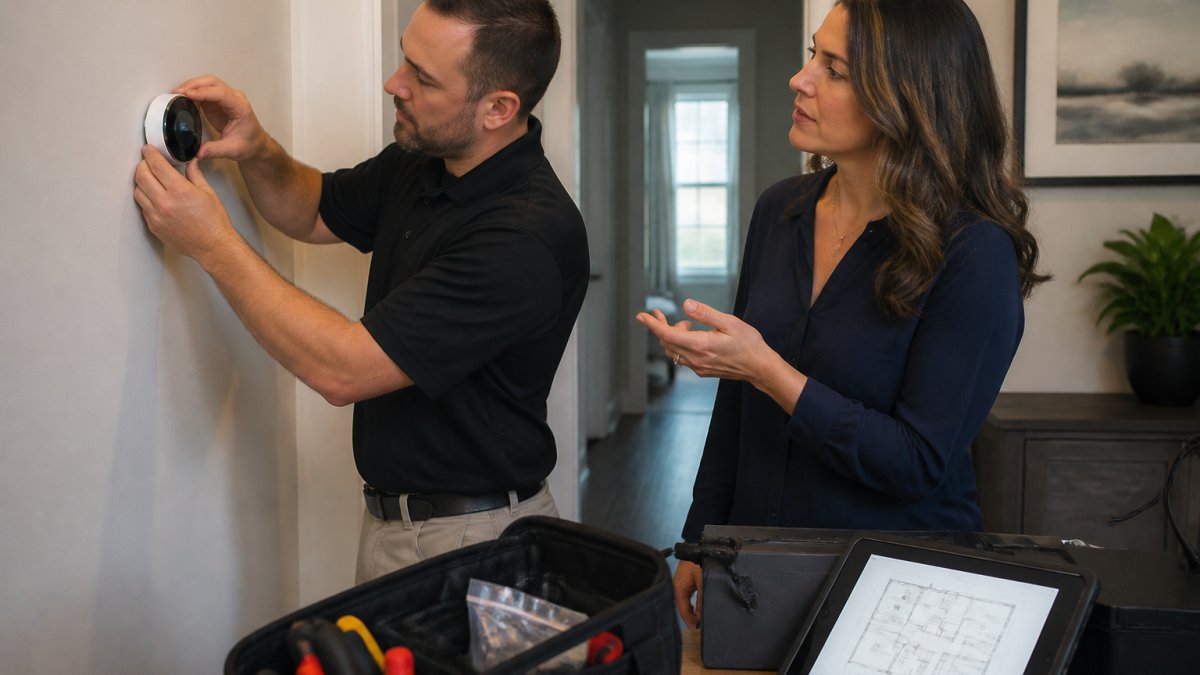
Smart home system setup follows a fixed sequence: plan, assess, wire, configure, test, and hand off. Skipping the planning stage is the most common reason a project runs over budget. Here is how we run it.
- Project consultation. We walk the home, list what you want to control, and flag anything that will not work with your chosen ecosystem.
- Site assessment. We check Wi-Fi coverage, electrical locations, wall materials, and cable paths.
- Written scope and free quote. You get the device list, labor, and wiring in one document before anyone touches a wall.
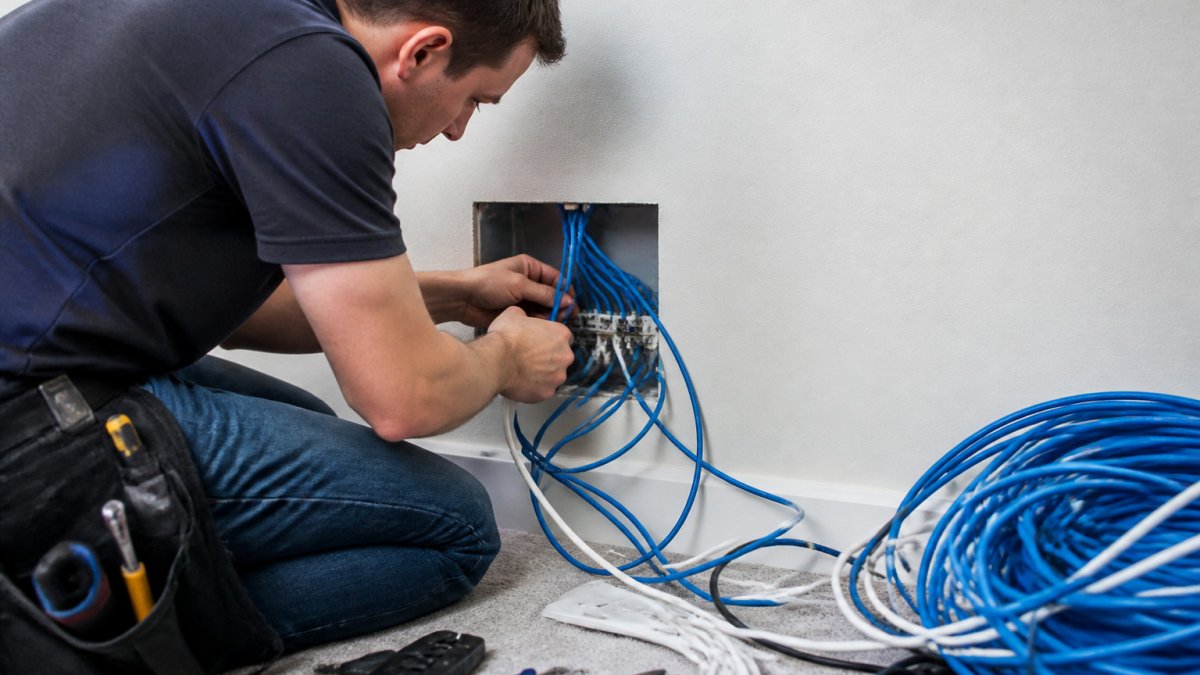
- Low-voltage wiring. Cable runs for cameras, speakers, sensors, and network drops go in first.
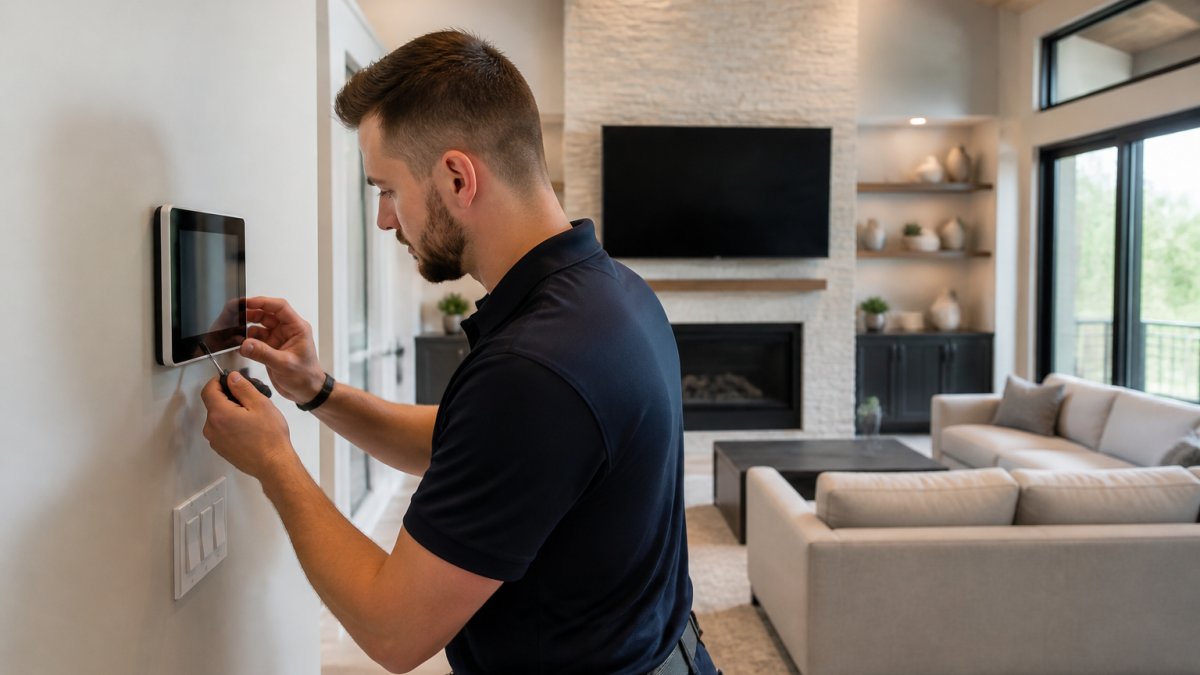
- Device mounting and configuration. Thermostats, cameras, panels, and switches are installed and set up.
- Testing and handoff. We test every scene, app, and voice command with you in the room.
Pre-Installation Planning and Site Assessment
Planning answers three questions before you buy anything: what you want to control, which ecosystem you are committing to, and where the wire will run. Compatibility is the big one. A device that speaks only one protocol will not join a system built on another, and no amount of configuration fixes that. Write the device list down and check each item against your hub before ordering.
Smart Home Networking: The Foundation Most People Skip
Smart home networking is the part homeowners underestimate. A mesh router from a retail shelf can extend coverage, but it does not give you the structured cabling, dedicated access points, or network segmentation that a full system needs. When a client tells us they already tried a mesh kit, this is the gap we point to.
Wi-Fi coverage is only half the job. The other half is separating your cameras and smart devices onto their own network so a busy stream does not slow down your laptop. Wired access points beat mesh nodes in larger homes because each one has a dedicated backhaul rather than sharing airtime.
Home Automation Cost: What Drives Your Quote
Home automation cost depends on device count, wiring distance, and how much existing infrastructure the home already has. There is no honest flat rate, and any provider who quotes one over the phone is guessing. What we can do is show you how a quote is built, so you can read one line by line instead of comparing bundle prices.
How a Quote Breaks Down
Every written estimate we produce separates into four buckets. Ask any installer to show you the same four, because a single lump sum hides where the money goes.
- Hardware. Cameras, switches, thermostats, speakers, hubs, and access points at retail or dealer cost. This is the easiest line to compare between bids.
- Low-voltage wiring and cable. Wire, connectors, wall plates, and the labor to pull it through finished walls, attics, and crawl spaces.
- Labor and configuration. Mounting, terminating, pairing devices, building scenes, and integrating brands into one app.
- Network and infrastructure. Structured cabling panel, access points, and segmentation work that most retail kits skip.
Typical Project Tiers
Most practitioners find residential projects fall into three rough tiers. Treat these as planning ranges, not quotes, the walkthrough sets the real number.
| Project Tier | What It Usually Covers | Planning Range (USD) |
|---|---|---|
| Starter | Smart thermostat, a few smart switches, one or two cameras, app setup on existing Wi-Fi | Low four figures |
| Mid-size | Whole-home lighting control, 4-8 cameras with a recorder, mesh or access-point network, doorbell and sensors | Mid four figures |
| Whole-home | Structured wiring, multiple access points, security with monitoring, whole-home audio, theater room, outdoor lighting | Five figures and up |
What Moves You Between Tiers
- Device count. Each camera, switch, and speaker adds hardware and labor. Ten devices is a different project than forty.
- Wiring runs. Open framing and unfinished basements are cheap to route. Brick, plaster, and finished ceilings are not.
- Network work. Adding access points or a structured cabling panel changes the scope more than most homeowners expect.
- System integration. Tying multiple brands into one interface takes configuration time, and some brands simply will not merge.
- Outdoor and landscape work. Trenching, weatherproofing, and drainage add labor that indoor work does not.
- Retrofit versus new construction. Pre-wire during a build or remodel costs a fraction of fishing cable through a finished home.
For current pricing, request a free estimate and we will put the numbers in writing with the four buckets separated. A quote you can compare line by line beats a bundle price every time.
Smart Lighting Installation, Inside and Out
Smart lighting installation covers two very different jobs: indoor switches and fixtures, and outdoor landscape or deck lighting. Indoors, the goal is scenes and schedules, so a hallway dims at night and the kitchen brightens in the morning. Outdoors, the goal is durability. Fixtures that fail every couple of years usually fail because of water intrusion or a poor connection, not because the product was cheap.
We wire outdoor lighting with proper connections and drainage in mind. Lighting control also pairs well with security, since scheduled lights make an empty house look occupied.
Security Systems, Cameras, and Monitoring
Security systems combine cameras, sensors, an alarm system, and optional professional monitoring. Motion detection and night vision are the two camera features that matter most in practice, and both depend on correct placement. A camera pointed at a sidewalk catches foot traffic and nothing else.
Remote access lets you check live video and arm the system from a phone, which most homeowners now expect. Access control for gates, garages, and entry doors rounds out the setup. If you already own cameras from several brands, integration is often possible, though not always. We would rather tell you what will and will not merge than promise a clean slate and deliver a compromise.
Home Theater, Audio, and Entertainment Integration
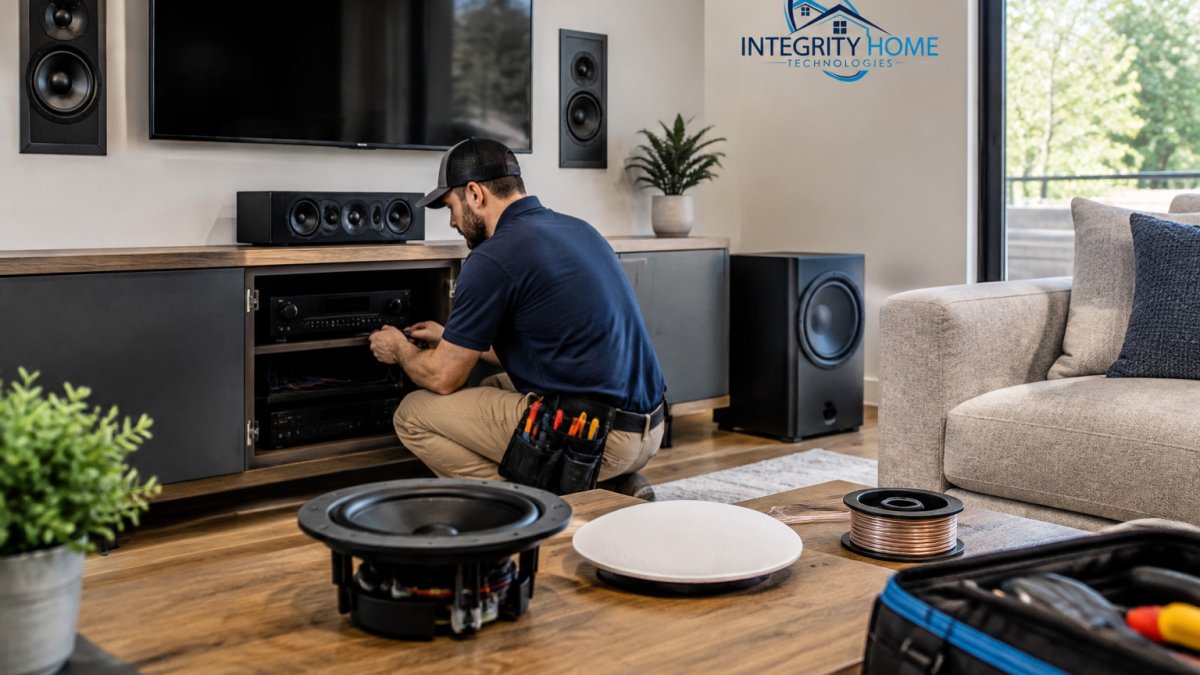
Home theater and audio-video work is where wiring quality shows. Home theater installation involves speaker placement, display mounting, cable concealment, and calibration, and the difference between a good room and a great one is usually the prep behind the drywall. Smart TV setup and connected entertainment follow the same rule: get the network and cabling right, and the rest is configuration.
Whole-home audio extends that logic to every room, with speakers and controls that share one source. We treat home entertainment as part of the larger system, not a separate project, because the same network and the same control app serve both.
Service Areas and Choosing a Local Installer
Choosing a local provider comes down to three checks: confirmed service area, verifiable reviews, and a written scope. Coverage matters more here than in a dense metro, because the region stretches from river towns to rural counties, and a crew based across the river will not be quick to return for a service call.
What Local Coverage Should Mean
Ask any installer three questions before you compare prices:
- Is my address inside your regular service area, in writing? A vague "we cover the area" is not an answer.
- How long is the drive to my house? Service-call response time is a function of distance, not promises.
- Do you pull permits and coordinate inspections where required? Low-voltage work still touches electrical panels and structural penetrations in many projects.
Communities We Serve
We work across the Northern Kentucky counties along and south of the river, including Boone, Kenton, and Campbell counties and the communities within them, from the river cities through the Florence, Erlanger, and Independence corridor and out toward the more rural edges of the counties. If you are unsure whether your address falls inside the regular service area, call and ask; we would rather tell you no than book a job we cannot service well.
Comparing Providers on Paper
| What to Check | Why It Matters | Red Flag |
|---|---|---|
| Written service area | Fast service calls | Vague "we cover the area" |
| Reviews and ratings | Real customer experience | No reviews at all |
| Written scope with four cost buckets | Comparable quotes | Phone-only estimates |
| Wiring approach | Long-term reliability | Wireless-only shortcuts |
| Handoff and support | You can actually use the system | No walkthrough |
| Permit and inspection handling | Code compliance and resale value | "We never pull permits" |
Integrity Home Technologies is locally owned, holds a 5.0 rating across 41+ Google reviews, and has spent over 20 years on low-voltage and smart home work. We give a free assessment of project needs, keep the pricing honest, and clean up when we leave. If you have been burned by a contractor who kept adding to the bill, ask us for a fixed written scope before work starts.
Frequently Asked Questions
What does smart home automation installation include?
A full installation typically covers a site assessment, network and Wi-Fi setup, device mounting and configuration, and integration into one control app. That usually means smart thermostats, lighting controls, security cameras and sensors, door locks, and audio or video components. A good installer also tests everything, walks you through the controls, and leaves documentation. Scope varies by home size and how many systems you add, so confirm exactly what is included in your written estimate before work starts.
How much does it cost to install a smart home system?
There is no single number because home automation cost depends on device count, wiring needs, home size, and whether you want security monitoring or whole-home audio. A few smart devices in one room cost far less than a whole-house build with structured cabling and multiple camera zones. Ask for an itemized quote that separates labor, equipment, and any monitoring fees. Get a free estimate so you can compare scope, not just the bottom line.
Can smart home devices from different brands work together?
Often yes, but compatibility depends on the protocols involved. Devices using Wi-Fi, Zigbee, Z-Wave, or Matter can usually be brought into a shared hub or platform, while some older or brand-locked gear may not integrate cleanly. Before buying, list your existing devices and their brands, then have an installer confirm what can be kept and what may need replacing. A compatibility check during the consultation prevents surprises and unnecessary purchases.
Do I need a professional for smart home system setup?
Simple plug-in devices are easy to set up yourself. Professional help makes more sense when you are dealing with low-voltage wiring, in-wall lighting controls, multiple cameras, network upgrades, or systems from different brands that need to talk to each other. An installer also handles the parts that cause the most frustration: Wi-Fi dead spots, device conflicts, and clean cable routing. If your project touches walls, wiring, or more than a handful of devices, a pro saves time and rework.