 blog
blog
Professional vs DIY Smart Home Security: 2026 Guide
Table of Contents
- Professional vs DIY Smart Home Security: Quick Comparison
- Installation: Professional Wiring vs DIY Kits
- Smart Home Security Monitoring Costs and Subscription Models
- Benefits of Professional Security Installation
- Smart Home Automation Compatibility and Expandability
- False Alarms, Troubleshooting, and Hardware Reliability
- Contracts, Privacy, and Insurance: What Competitors Skip
- Conclusion
- Frequently Asked Questions
Last Updated: September 25, 2026
Professional vs DIY Smart Home Security: Quick Comparison
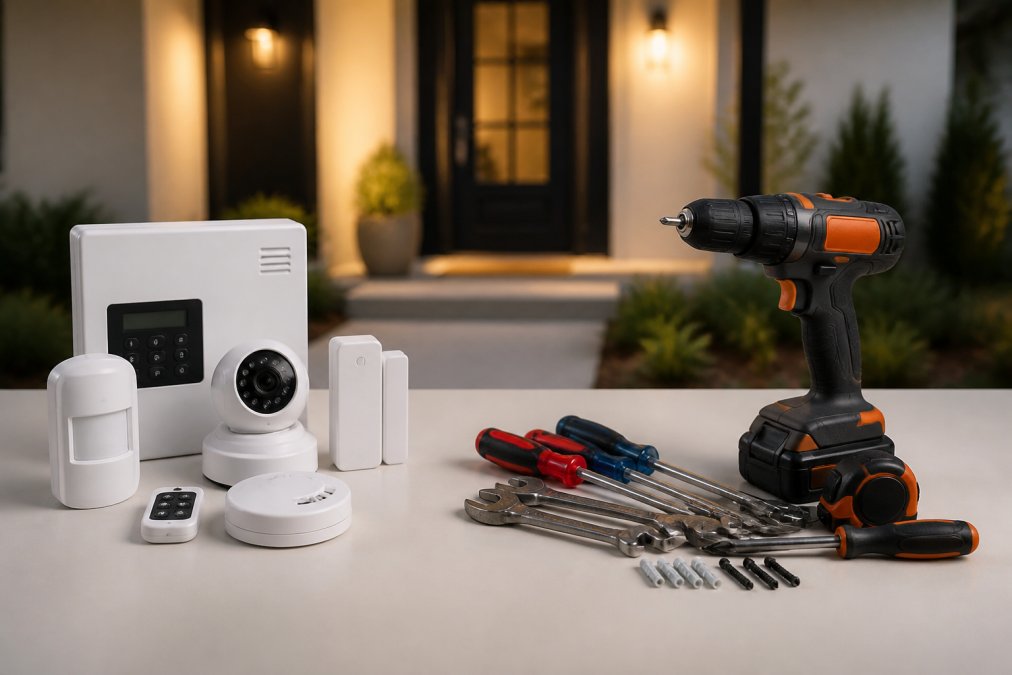
Choosing between professional vs DIY smart home security comes down to a simple trade: DIY kits save money upfront and install in an afternoon, while professional installation delivers reliable wiring, clean integration, and fewer long-term headaches. At Integrity Home Technologies, we've spent over 20 years installing low-voltage systems, and we often see homeowners who started with a DIY kit call us to fix what the kit couldn't do.
Here's what matters most. A professional setup can include hardwired sensors, cellular backup, and a technician who tests every device before leaving. A DIY setup gives you flexibility and lower upfront cost, but you own the troubleshooting.
The table below summarizes the core differences before we dig into each one.
| Factor | Professional Installation | DIY Kit |
|---|---|---|
| Upfront cost | Higher | Lower |
| Install time | 1-2 days | A few hours |
| Wiring | Hardwired, hidden | Wireless, exposed |
| Monitoring | 24/7 dispatch available | Self-monitored or add-on |
| Expandability | Designed in from the start | Limited by hub capacity |
| Troubleshooting | Handled by installer | On you |
Below, we'll break down installation, monitoring costs, automation compatibility, and the contract and privacy issues most guides skip.
Installation: Professional Wiring vs DIY Kits
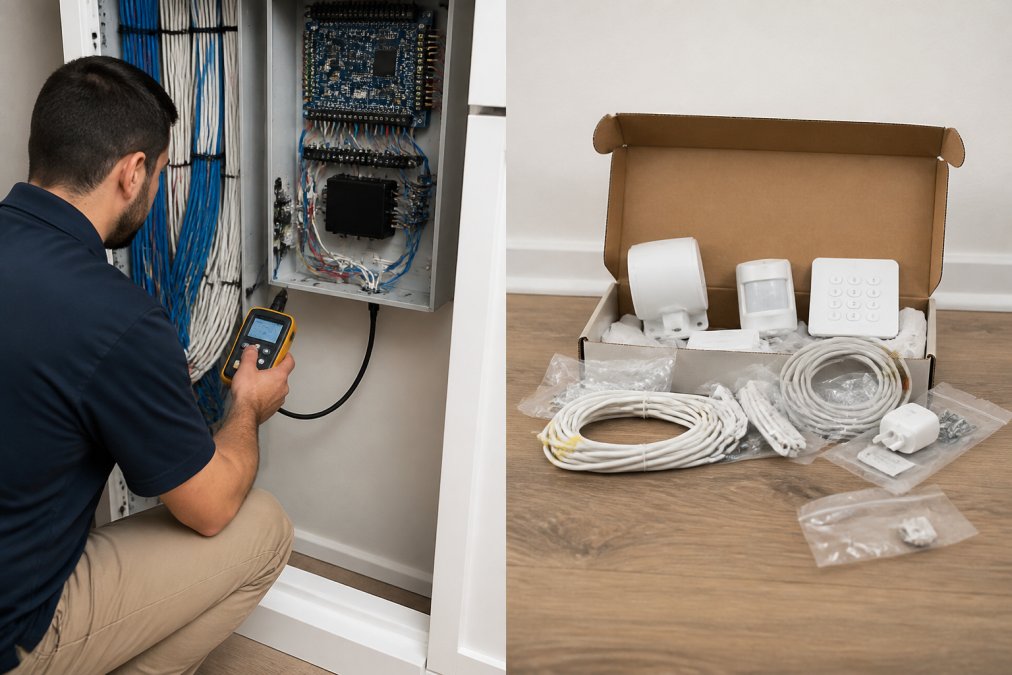
Professional installation means a technician runs and terminates low-voltage wiring, mounts sensors, and configures the panel on site. DIY kits ship with adhesive mounts and a mobile app, and you place every device yourself.
The difference shows up in the details. A common mistake with DIY is mounting a motion sensor too close to an air vent. The HVAC cycle trips it, and you get alerts at 2 a.m. for months. A professional walks the room first and positions sensors where airflow and pets won't trigger them.
Hardwired vs Wireless Connectivity
Hardwired sensors draw constant power and communicate over physical cable, so they don't drop offline when Wi-Fi does. Wireless sensors run on batteries and use a wireless protocol like Z-Wave or Zigbee through a smart hub. Wireless is faster to install. Hardwired is more reliable over a decade of use.
Smart Home Security Monitoring Costs and Subscription Models
Smart home security monitoring costs depend on whether you self-monitor or pay for professional dispatch. Self-monitoring uses your mobile application and costs nothing beyond the hardware. Professional 24/7 monitoring adds a recurring monthly fee, and the exact rate depends on the provider and the equipment you choose.
Most subscription models bundle cloud storage for camera footage, cellular backup, and dispatch service into tiers. Read the tier list carefully. Some plans charge extra for video retention, and some lock cellular backup behind the highest tier. A common pattern is a three-tier structure: a basic tier for self-monitoring with limited video history, a mid-tier that adds cellular backup and more retention, and a top tier that includes professional dispatch and extended cloud storage. The jump between tiers often doubles the monthly cost.
Self-Monitoring vs 24/7 Professional Dispatch
Self-monitoring means you get real-time alerts and decide what to do. It works well if your phone is always on you and you're comfortable checking cameras at odd hours. Professional dispatch means a monitoring center watches the signal and contacts you, then emergency services if needed. For households that travel or work odd shifts, dispatch is the safer choice.
The real cost difference isn't just the monthly fee. With self-monitoring, you're the one who has to respond at 2 a.m. If you miss an alert because your phone is on silent, the system did nothing.
Contract Terms and Cancellation Policies
Contract terms and data privacy rarely make the sales pitch, but they decide what you actually own. Some monitoring agreements run 36 months with automatic renewal. Others are contract-free month to month. Ask two questions before signing: How long is the term, and what's the cancellation policy? A 36-month contract with automatic renewal can lock you in for years if you miss the cancellation window.
Insurance Premium Impact
This is the angle most guides skip entirely: insurance. Many insurers offer premium discounts for professionally monitored systems with central station dispatch. The discount varies by carrier and state, but a common pattern is 5% to 20% off your homeowners insurance premium. To claim it, you usually need a certificate of installation or a monitoring certificate from your provider. Ask your agent what documentation they need before you buy.
Privacy and Data Security
Privacy deserves the same scrutiny. Your cameras and sensors generate data. Where does it live? Cloud storage means footage sits on a server you don't control. Local storage keeps it in your home but limits remote access. Look for encryption on both the device and the transmission, and check whether the provider sells or shares data. As the FTC guidance on connected device data notes, companies collecting data from smart devices must be transparent about how it's used.
Benefits of Professional Security Installation
The benefits of professional security installation go beyond a tidy install. A trained technician tests signal strength, verifies every door and window contact, and documents the system so future upgrades don't require guesswork.
Here's what you actually get:
- Verified coverage. Every entry point is tested, not assumed.
- Clean cable runs. No exposed wiring across door frames.
- Correct sensor placement. Motion sensors positioned to avoid pets and heat sources.
- Documented configuration. You know what's installed and where.
- Warranty-backed work. If something fails, one call fixes it.
Smart Home Automation Compatibility and Expandability
Smart home automation compatibility determines whether your security system grows with your house or caps out. A system built on an open smart home ecosystem, like one that supports Matter or Z-Wave, lets you add lighting, locks, thermostats, and cameras over time. A closed system locks you into one brand's devices. Expanding your network in this way necessitates a robust approach to securing smart devices against emerging digital vulnerabilities.
Protocol and Hub Limits
Expandability matters most at the entry points. A wireless protocol hub has a device limit. Z-Wave networks, for example, commonly support around 232 devices per hub, but practical performance degrades well before that ceiling as the mesh network gets congested. Zigbee has a similar practical limit. Add too many sensors and the network gets sluggish, with delayed alerts and missed signals.
Resale Value of Home
Here's an angle most guides ignore: resale value. A documented, professionally installed system can be a selling point when you list the home. Buyers see a working setup rather than a box of mismatched parts. A hardwired system that's integrated into the home's wiring is often viewed as a permanent fixture, like a built-in sound system or a central vacuum.
Cybersecurity of Smart Devices
Compatibility also raises cybersecurity questions. A DIY system that relies on your home Wi-Fi is only as secure as your network. If your router uses a default password or outdated firmware, a hacked camera can become a window into your home. Professionally managed systems often run on a separate encrypted network or cellular backup, which reduces that exposure. As the CISA guidance on securing smart devices notes, changing default passwords and keeping firmware updated are basic steps every homeowner should take, regardless of who installed the system.
False Alarms, Troubleshooting, and Hardware Reliability
False alarm rates drop sharply when sensors are placed and configured correctly. Most false alarms trace to three causes: motion sensors near heat or airflow, loose door and window contacts, and pets triggering pet-immune sensors set at the wrong height.
Contracts, Privacy, and Insurance: What Competitors Skip
Contract terms and data privacy rarely make the sales pitch, but they decide what you actually own. Some monitoring agreements run 36 months with automatic renewal. Others are contract-free month to month. Ask two questions before signing: How long is the term, and what's the cancellation policy?
Conclusion
The real decision isn't professional versus DIY. It's whether you want to own the installation and the troubleshooting, or hand both to someone who does it every day. DIY kits work for renters and simple setups. For a whole-home system with hardwired sensors, cameras, and automation, professional installation pays off in reliability and time saved.
Frequently Asked Questions
What are the primary reliability differences between DIY and professional security systems?
Professional systems use hardwired connections and cellular backup, so they keep working when Wi-Fi drops. DIY kits rely on wireless protocols and your home network, which means a router reboot or power outage can take sensors offline. Professional installation also places motion sensors and door and window contacts where they actually detect entry, not just where the adhesive strip sticks.
How does professional monitoring compare to self-monitored DIY systems?
Self-monitoring means you get real-time alerts on your mobile application and decide whether to call police. Professional 24/7 monitoring routes alarms to a dispatch service that contacts you and then emergency services if needed. The trade-off is a monthly fee versus no fee, but dispatch happens whether you are asleep, driving, or on a plane without cell service.
What are the hidden costs of DIY smart home security setups?
DIY kits look cheaper upfront, but cloud storage for 4K resolution cameras, extra sensors to cover a full perimeter, and replacement hardware after a failed DIY install add up. Many DIY brands also lock features behind a subscription model. Professional installation quotes typically bundle equipment, wiring, and setup so you see the full number before work starts.
Does professional installation increase the resale value of a home?
A professionally installed system with clean low-voltage wiring, a smart hub, and integrated home automation is a documented feature a buyer's inspector can verify. DIY setups with exposed cables and mismatched brands often get removed or negotiated down. Smart home security can be a selling point when the install is clean and documented.