 How-to
How to Integrate Smart Home Devices: A 2026 Guide
Table of Contents
- Step 1: Choose Your Smart Home Ecosystem and Hub
- Step 2: Build a Reliable Wi-Fi Network Foundation
- Step 3: Pair and Connect Your First Devices
- Step 4: Apply Smart Home Automation Best Practices
- Step 5: Secure Your Network and Protect Data Privacy
- Troubleshooting Connectivity Conflicts and Legacy Devices
- When to Call a Pro: Finding Home Automation Near Me
- Conclusion: Your Integrated Smart Home Starts Here
- Frequently Asked Questions
Last Updated: October 4, 2026
Step 1: Choose Your Smart Home Ecosystem and Hub
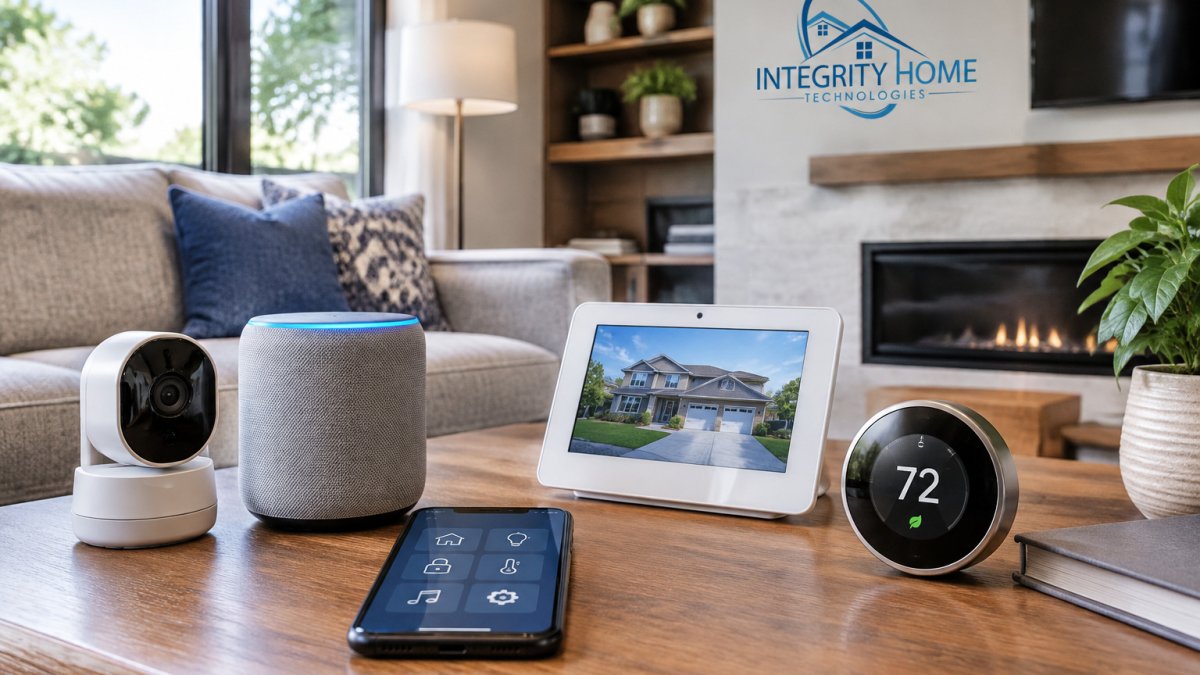
Learning how to integrate smart home devices starts with one decision: pick your ecosystem and hub before you buy a single device. The hub is the brain that lets your lights, locks, and thermostat talk to each other.
A smart home ecosystem is the platform that connects your devices and apps under one roof. The big three are Amazon Alexa, Google Home, and Apple HomeKit.
Here is how the major options compare for a first setup:
| Hub Option | Best For | Voice Assistant | Works With |
|---|---|---|---|
| Amazon Echo | Budget setups | Alexa | Matter, Zigbee, Wi-Fi |
| Google Nest Hub | Android homes | Google Assistant | Matter, Thread, Wi-Fi |
| Apple HomePod | iPhone users | Siri | Matter, Thread, HomeKit |
| SmartThings Hub | Mixed-device homes | Any | Matter, Zigbee, Z-Wave |
Matter and Thread, Explained Without the Jargon
Most guides tell you to "look for Matter support" and stop there. That advice is incomplete: Matter and Thread solve two different problems, and confusing them leads to the wrong purchase.
Matter is a language. Thread is a road.
- Matter is an application-layer standard backed by the Connectivity Standards Alliance. It is the common language that lets a device from one brand talk to a hub or app from another. A Matter-certified bulb works with Alexa, Google Home, Apple Home, and SmartThings without a brand-specific bridge.
- Thread is a network-layer protocol, the road the messages travel on. It is a low-power mesh that devices use to reach a border router, which hands traffic to your Wi-Fi network and the internet.
A device can be Matter-certified and run over Wi-Fi, Ethernet, or Thread, and a device can run over Thread without being Matter-certified. For future-proofing, you want Matter over Thread: cross-brand compatibility plus a low-power mesh that does not congest your Wi-Fi.
What This Means for Your Hub Choice
Thread requires a border router, a device that bridges the Thread mesh to your IP network. Several hubs double as border routers, and some standalone devices do too. Without one, Thread devices will not reach the internet.
Before you buy, confirm three things:
- Matter controller support, the hub can commission and control Matter devices
- Thread border router built in, so Thread devices have a path out
- A Zigbee or Z-Wave radio, for the large installed base of older devices that predate Matter
A hub that checks all three covers the widest range of devices you already own and are likely to buy next.
Local Control: The Feature Most Buyers Ignore
Local control means the hub processes routines on-device instead of round-tripping every command through a manufacturer's cloud server. The benefits are real:
- Lower latency, a motion-triggered light responds in well under a second instead of waiting on a cloud round trip
- Resilience, routines keep running when your internet drops, as long as the hub and devices are on the same local network
- Longevity, if the manufacturer shuts down its servers, locally controlled devices keep working
Not every hub offers full local control, and not every device supports it even when the hub does. Check the device's documentation rather than assuming.
Many homeowners buy a cheap hub first, then replace it within a year. Spending a little more upfront on a hub with Matter, Thread, and a legacy radio costs less over time.
Step 2: Build a Reliable Wi-Fi Network Foundation
A strong Wi-Fi signal is the backbone of any smart home. Most connection problems trace back to weak coverage, not faulty devices. Fix the network first, and half your future headaches disappear.
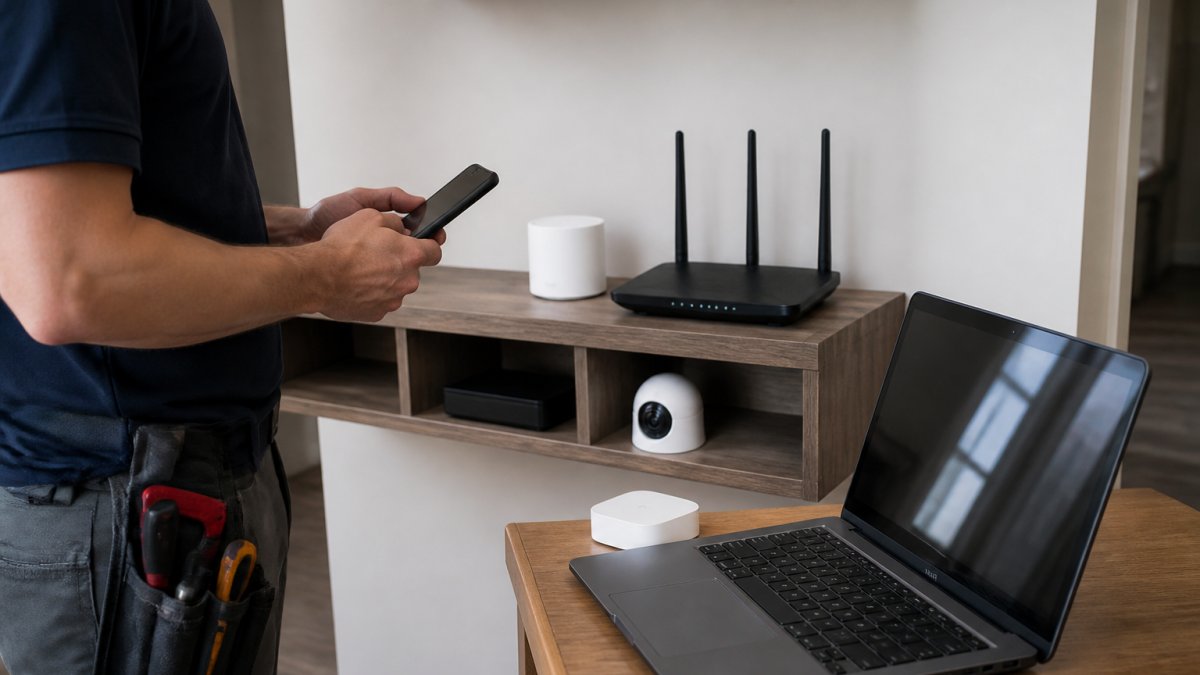
Smart homes lean on your network in ways a single router often cannot handle. Cameras stream video, thermostats poll the cloud, and speakers pull audio, all at once.
Mesh Systems vs. Routers for Smart Homes
A mesh network beats a single router in most homes over 2,000 square feet. Mesh systems use several nodes to spread one strong signal across the whole house. A single router works fine in smaller homes with few devices.
Factors that decide which you need:
- Home size and number of floors
- Device count, especially cameras and video doorbells
- Wall materials like brick or plaster that block signal
For most families running more than 20 connected devices, mesh is the safer pick.
Step 3: Pair and Connect Your First Devices
Device pairing works best when you add one device at a time and test it before moving on. Rushing this step is the most common mistake we see; a careful rollout catches problems while they are still small.
Follow this order for a smooth setup:
- Update your hub's firmware first
- Add devices closest to the hub, then work outward
- Name each device clearly in the app
- Test each one before adding the next
- Group devices by room as you go
Clear names matter more than people expect. "Living Room Lamp" beats "Device 4" when you build routines later.
Step 4: Apply Smart Home Automation Best Practices
Smart home automation best practices come down to one rule: automate routines, not everything. The goal is a home that runs itself quietly, not one you constantly reprogram.
Start with routines that match your real daily habits. Morning lights, evening locks, and away-mode scenes cover most needs.
A few habits that keep automation manageable:
- Limit each routine to three or four actions
- Test new routines for a week before adding more
- Use motion sensors to cut wasted energy
Energy monitoring through smart plugs and thermostats shows which devices actually earn their place.
Step 5: Secure Your Network and Protect Data Privacy
Network security is the step most homeowners skip, and it matters most. A weak smart home is an open door for anyone who finds it, and locking it down takes an afternoon.
Start with these basics:
- Turn on two-factor authentication for every smart home account
- Change default passwords on routers and devices
- Create a separate guest network for smart devices
Data privacy deserves equal attention. Many devices send usage data to the cloud by default. Check each app's privacy settings and turn off what you do not need.
The FTC guidance on securing your home network offers plain-language steps for protecting connected devices at home.
Troubleshooting Connectivity Conflicts and Legacy Devices
Most guides assume a clean setup and never tell you what to do when devices refuse to pair. This section covers a diagnostic order for connectivity conflicts, plus how to bring legacy hardware and cloud-dependent devices into a modern system.
Diagnose Before You Replace
Connectivity conflicts usually trace to one of four sources.
1. The 2.4 GHz band problem. Most smart plugs, bulbs, and sensors only speak 2.4 GHz.
2. IP address clashes. Your router's DHCP pool can hand the same address to two devices after a power cycle.
3. Protocol mismatch. A Zigbee device cannot talk to a hub with no Zigbee radio, no matter how many times you re-pair it.
4. Range and interference. Microwaves, cordless phones, and dense walls degrade 2.4 GHz.
A quick triage sequence:
- Restart the router and hub first, then the device
- Check the router's client list for duplicate IPs
- Confirm the hub has the matching radio
Legacy Device Integration
Older Zigbee and Z-Wave devices often still work through a bridge even when their original app is gone. A hub with those radios gives old hardware new life. For truly "dumb" appliances, two tools do most of the work:
- Smart plugs turn any on/off appliance, a lamp, a fan, a coffee maker, into a schedulable device. They are the cheapest integration path and require no wiring.
- IR blasters emulate the infrared remote signals used by older TVs, air conditioners, and audio gear. They let you control devices that have no smart radio at all.
Both approaches have a limit: they control power or IR commands, not the device's internal state. A smart plug cannot tell whether the appliance is actually on, only whether it has power.
Local vs. Cloud Control: Why It Matters When Things Break
This distinction determines whether your home survives a manufacturer shutdown.
Cloud-dependent devices route every command through the maker's servers. When those servers go offline, because the company folds, gets acquired, or drops the product line, the device stops responding to app and voice commands.
Local-control devices process commands on the hub or on the device itself. They keep working when the internet drops and when the manufacturer walks away.
How to tell which you have:
- Check whether the device works when you unplug your internet modem but leave Wi-Fi on
- Look for "local control" or "works offline" in the hub's documentation
- Favor hubs that advertise on-device automation processing
If you are building from scratch, favor devices that work without the cloud.
When a Bridge Solves It and When It Does Not
A bridge translates one protocol into another so a hub can control devices it does not natively speak. Bridges are right when:
- You have legacy Zigbee or Z-Wave devices worth keeping
- A device's native app is abandoned but the hardware still works
- You want to unify two ecosystems without replacing hardware
Bridges are the wrong tool when the device's cloud service is required for basic function. A bridge cannot replace a dead server. In that case, the device is effectively end-of-life, and replacing it with a Matter-certified equivalent is the durable fix.
When to Call a Pro: Finding Home Automation Near Me
Some jobs are worth handing to a professional. If you are searching for home automation near me, the honest answer is: call a pro when wiring, whole-home coverage, or multiple brands are involved.
Consider professional help when you face:
- Low-voltage wiring for cameras or audio
- Whole-home Wi-Fi that needs structured cabling
- Cameras from several brands that must work as one system
At Integrity Home Technologies, we have spent over 20 years installing smart home, security, and outdoor lighting systems.
If your current setup involves mismatched gear or repeated Wi-Fi failures, a professional assessment often costs less than guessing.
Conclusion: Your Integrated Smart Home Starts Here
Getting every device to work as one system is harder than the product boxes suggest.
Integrity Home Technologies brings 20+ years of installation experience, free project assessments, and a focus on low-voltage and smart home work. We help you avoid overspending on gear you do not need.
Get started with Integrity Home Technologies and turn your house into a connected, secure home.
Frequently Asked Questions
What are smart home integrations and why do I need them?
Smart home integration is the process of connecting devices from different brands so they work together through one app or voice assistant. Without integration, you manage each device separately, which defeats the purpose of a smart home. Integration lets your smart thermostat trigger your smart lighting, or your security sensors send alerts to your phone. The goal is a single interface for your entire home automation system.
Can I put all my smart devices on one app?
Yes, but only if your devices support a common protocol like Matter, Zigbee, or Z-Wave, or if they work with the same ecosystem such as Amazon Alexa, Google Home, or Apple HomeKit. A smart hub like SmartThings or Hubitat can bridge incompatible devices into one app. Check each device's compatibility before buying. If you already own devices from multiple brands, a hub is usually the fastest path to a unified interface.
Do I need a smart home hub to integrate my devices?
Not always. If all your devices use Wi-Fi and work with the same voice assistant, you can integrate them without a dedicated hub. However, a hub becomes necessary when you mix protocols like Zigbee, Z-Wave, and Thread, or when you want local control that works without an internet connection. For beginners, a hub simplifies device pairing and automation routines across brands.
How does the Matter standard affect smart home integration?
Matter is an open-source standard backed by major tech companies that lets devices from different brands communicate directly. If a device is Matter-certified, it should work with any Matter-compatible hub or app, regardless of the manufacturer. This reduces the need for brand-specific bridges. As of 2026, many new smart plugs, lights, and sensors support Matter, making integration easier than ever.