 Ultimate guide
How to Choose a Home Security Company in 2026
Last Updated: November 10, 2026
Quick Summary
To choose a home security company, start by mapping your equipment and sensor coverage, then compare professional versus DIY installation and read monitoring costs and contract terms closely. Confirm data storage and privacy policies, check insurance discount documentation, and weigh customer service reputation before signing.
- Map sensor coverage before signing a contract to avoid gaps in protection.
- DIY suits renters and small apartments; professional installation fits larger, multi-story homes.
- Compare companies on total cost over the full term, not the monthly fee alone.
- Ask providers in writing where footage is stored and who can view it.
- Test sensors monthly and replace batteries on schedule to maintain uptime.
Table of Contents
- Start With Equipment and Sensor Coverage
- Professional vs DIY Home Security: Which Fits Your Home
- Home Security Monitoring Costs and Contract Terms
- Smart Home Security Integration and Automation
- Privacy, Data Security, and Insurance Premium Reductions
- Renters vs Homeowners: Matching the System to the Property
- Maintenance, Troubleshooting, and Customer Service Reputation
- Get a Free Estimate From Integrity Home Technologies
- Frequently Asked Questions
Start With Equipment and Sensor Coverage
Learning how to choose a home security company starts with the hardware layer, because the sensors and cameras you install determine what the system can detect. Homeowners who map coverage before signing a contract tend to end up with fewer gaps in their protection.
Coverage planning answers one question: what should trigger an alert, and where? A system built around that answer protects a home better than one assembled from a bundle.
Door, Window, and Motion Sensors
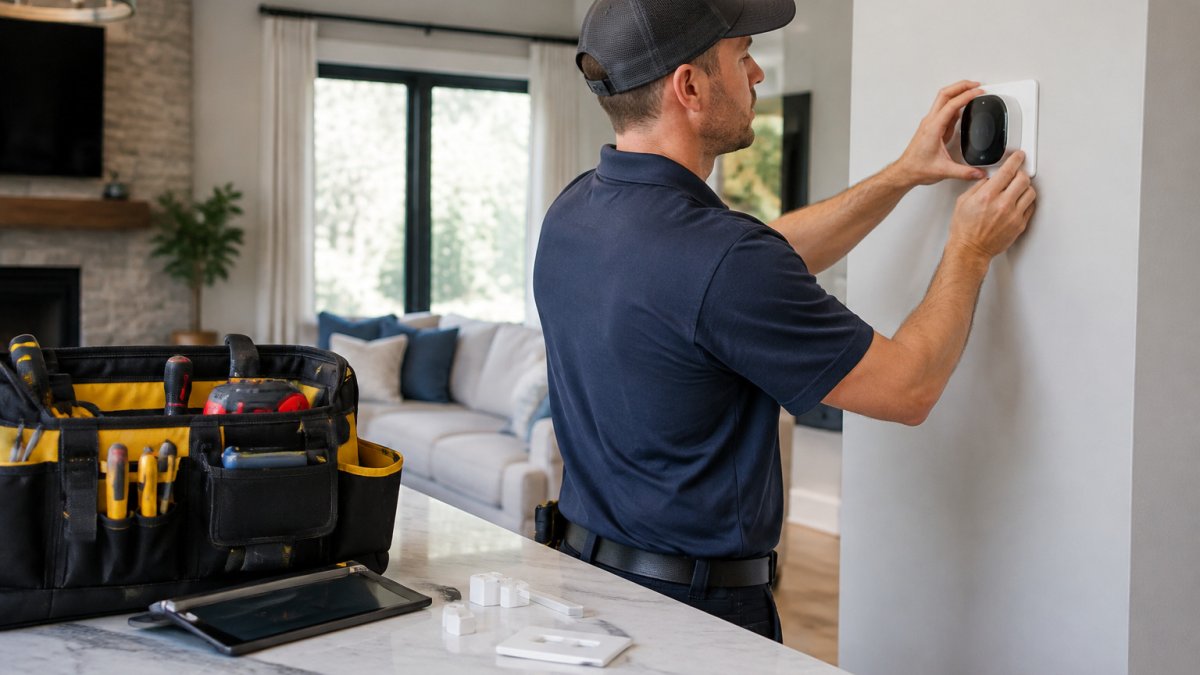
Door and window sensors are contact devices that trigger when a door or window opens, forming the perimeter layer of nearly every residential system.
Wired sensors are more reliable and never need batteries, but installation means running cable through walls. Wireless sensors install quickly and suit retrofits, at the cost of battery maintenance.
Cameras, Video Doorbells, and Environmental Sensors
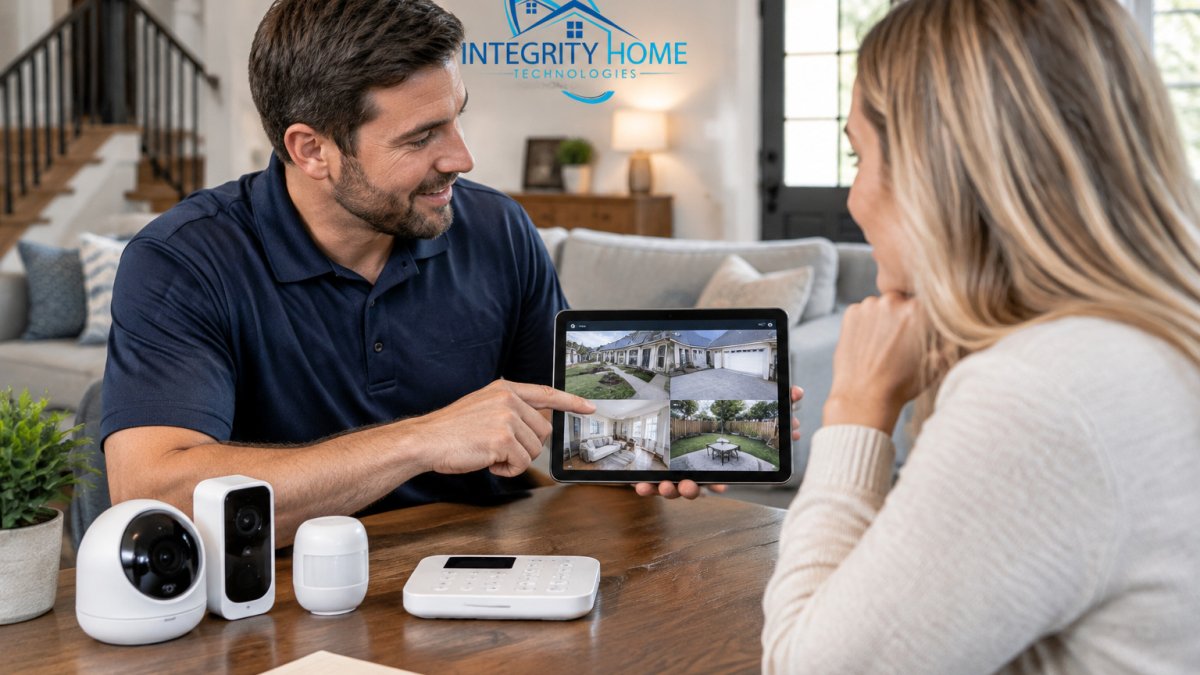
Camera selection comes down to resolution, night vision, and where footage lives. Cloud storage gives remote access and offsite backup; local storage on an NVR keeps footage in the home and avoids subscription dependence. Many systems now support both.
A video doorbell covers the most-used entry point and adds two-way audio for screening visitors. If cameras are the priority, our team handles professional security camera installation across the region, and if you're still comparing equipment, this roundup of the best smart home security systems is a useful starting point.
Professional vs DIY Home Security: Which Fits Your Home
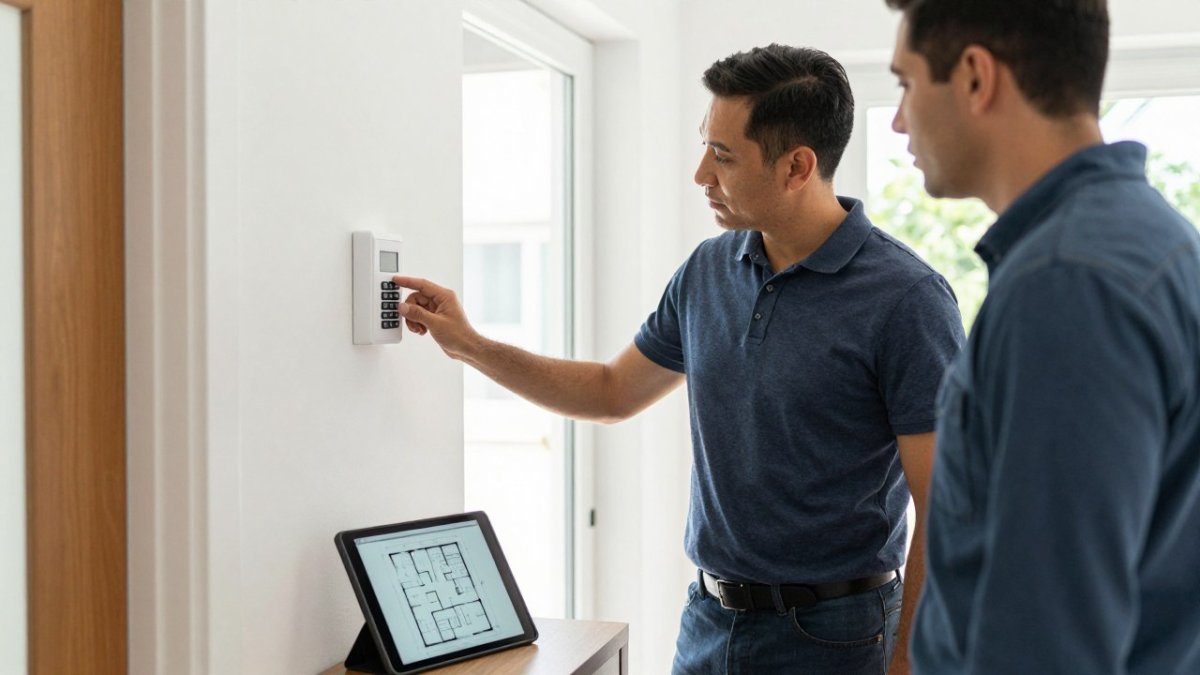
Professional installation means a technician designs and mounts the system, verifies sensor placement, and tests every zone. DIY means you buy equipment and set it up yourself, usually through a manufacturer's app.
DIY suits renters and small apartments where a few wireless sensors and a camera cover the space.
Once you add cameras, environmental sensors, and automation, the planning work a professional does upfront becomes the difference between a system that works and one that frustrates. For a deeper side-by-side, read our professional vs DIY smart home security comparison.
The choice between professional installation and DIY comes down to the property and how much work you want to own.
| Option | Best for | Key difference |
|---|---|---|
| DIY | Renters and small apartments | Buy equipment and set it up yourself via an app |
| Professional installation | Larger homes and multi-story layouts | Technician designs, mounts, and tests every zone |
| DIY | A few wireless sensors and a camera | No low-voltage wiring or mounting at height |
| Professional installation | Properties needing low-voltage wiring or camera mounting at height | Verifies sensor placement and tests every zone |
Home Security Monitoring Costs and Contract Terms
Home security monitoring costs break into three parts: equipment, installation, and the recurring monthly subscription. Equipment can be purchased outright or financed; installation may be bundled into the monthly fee or billed separately; monitoring is the ongoing charge that keeps a system connected to a response center. Comparing companies on the monthly number alone can be a mistake, because a low monthly fee paired with a long contract and rented equipment may cost more over the life of the system than a higher monthly fee with owned hardware.
What Drives the Monthly Fee
Several variables affect the monthly number:
- Monitoring type. Cellular or IP monitoring that reports over a dedicated radio or broadband connection typically costs more than landline-based monitoring, and it is more reliable because it survives a cut phone line.
- Response model. A system that routes alarms to a central station that calls you first, then dispatches, is priced differently from one that dispatches immediately. Ask which model the provider uses and the dispatch protocol for confirmed versus unconfirmed alarms.
- Equipment and sensor count. More zones, cameras, and environmental sensors mean more monitoring load. A quote built for four door sensors will not cover a 3,000-square-foot home with a detached garage.
Equipment Ownership and Financing
The ownership question determines your exit cost. When you buy equipment outright, the hardware is yours and you can take it to another monitoring provider or switch to self-monitoring later. When equipment is bundled into the monthly fee or financed over the contract term, you typically do not own it until the term is paid in full, and cancelling early can mean paying off the remaining hardware balance on top of any termination fee.
Contract Terms to Read Before Signing
Contract length, automatic renewal, and cancellation mechanics matter as much as the monthly rate. Long-term agreements of three to five years are common; shorter terms usually carry a higher monthly rate but preserve flexibility.
Ask these questions and get the answers in writing:
- What is the total cost over the full term? Multiply the monthly fee by the number of months and add installation, equipment, and any activation fees.
- What triggers an early termination fee, and how is it calculated? Charges often equal a percentage of the remaining monthly fees or the remaining equipment balance, whichever is greater.
- Is there a cooling-off or cancellation window after signing? Some contracts allow cancellation within a short period after installation; confirm the length and required notice method.
Watch out: a verbal promise that "you can cancel anytime" is not a contract term. If it is not in the signed agreement, it does not exist, and the written termination clause controls.
Getting a Quote You Can Compare
Pricing depends on the specifics of each project, so for current prices and a quote for your home, contact Integrity Home Technologies directly. Once those costs and terms are clear, consider whether the security system should connect with other home devices, since integration can affect both the setup and the ongoing value of the investment; NewDay Tech explores that broader decision.
Smart Home Security Integration and Automation
Smart home security integration connects security devices to lighting, locks, thermostats, and voice assistants so they respond to a single event.
The catch is compatibility. Devices from different manufacturers often speak different protocols, and a hub that supports one brand may not support another. Our guide on how to integrate smart home devices walks through the connection process step by step.
Privacy, Data Security, and Insurance Premium Reductions
Most buying guides stop at the hardware and never ask the two questions that separate a careful buyer from an impulsive one: where does my footage go, and does this system lower my insurance bill? Neither has a universal answer, but both have concrete mechanisms you can check before you sign.
Where Your Video and Sensor Data Actually Lives
Security systems generate two kinds of data: video and event logs (arm, disarm, sensor trips, door opens). Where each is stored determines who can access it and what happens if the provider is breached or goes out of business.
- Local storage. Footage sits on a recorder or local hub inside the home. You control access, there is no recurring cloud fee, and footage survives an internet outage. The trade-off: a burglar who takes the recorder takes the footage, and you cannot view live video remotely unless the system supports a secure remote connection.
- Cloud storage. Footage is uploaded to the provider's servers. You get remote access and offsite backup, but you are trusting the provider's encryption, access controls, and retention policy. Ask whether footage is encrypted in transit and at rest, whether the provider can view your feeds, how long footage is retained, and whether you can export or delete it on request.
- Hybrid. Many systems record locally and push clips to the cloud on an event trigger. This is often the best balance, but confirm which events upload and whether the cloud copy is encrypted with a key only you hold.
Ask the provider directly: Can employees view my camera feeds? Is footage encrypted at rest, and who holds the encryption keys? What is the retention period, and can I delete footage on demand?
Insurance Premium Reductions: The Documentation Path
Many homeowners insurance carriers offer premium reductions for monitored alarm systems, but the discount, eligibility rules, and required proof vary by insurer and state.
What usually qualifies: a system monitored by a central station, often with proof of monitoring, and in some cases specific features such as cellular backup or smoke detection tied to the alarm.
How to claim it:
- Call your insurer before you buy. Ask whether they offer a monitored-alarm discount, what system features qualify, and what documentation they require. Get the answer from the carrier, not the salesperson.
- Ask the security company for the certificate. Most monitoring providers can issue a monitoring certificate or alarm certificate that states the system is professionally monitored. Confirm the certificate names your insurer's required details.
- Submit the certificate and confirm the discount appears. Check your next policy declaration page to verify the credit was applied; do not assume it was.
No security provider can promise a specific reduction on your policy, because the discount is the carrier's decision. The provider's job is to give you the documentation your carrier requires.
The Privacy-Insurance Trade-Off
The two questions interact. A cloud-heavy system with remote access may be easier to document for an insurer and easier to monitor, but it concentrates your data with the provider. A local-storage system keeps footage in the home but may not satisfy a carrier that wants central-station monitoring. The right balance depends on your risk tolerance and your carrier's requirements, which is why both questions belong in the same conversation before you sign.
Renters vs Homeowners: Matching the System to the Property
Renters should favor wireless, peel-and-stick sensors and cameras that need no drilling, since lease terms usually prohibit permanent modifications and moving day means taking the system along.
Homeowners have more room to build for the long term: wired sensors, mounted cameras, and integrated automation all make sense when you plan to stay. If you rent or plan to move within two years, prioritize portability and month-to-month monitoring.
Maintenance, Troubleshooting, and Customer Service Reputation
A security system is only as good as its uptime.
Routine maintenance is unglamorous and necessary: test sensors monthly, replace batteries on schedule, clean camera lenses, and check that alerts reach your phone.
Customer service reputation deserves real weight. Read recent reviews, and confirm how support requests are handled before you buy. A system that works but can't get help when it fails is a liability.
Get a Free Estimate From Integrity Home Technologies
Choosing a home security company comes down to coverage planning, honest contract terms, and clear communication about support.
Get started with Integrity Home Technologies and a no-cost assessment of what your home actually needs. You can also request installation service when you're ready to move forward.
A secure, connected home starts with one conversation about coverage, not a contract. Integrity Home Technologies will walk your property, explain what each sensor and camera does, and quote the work without pressure.
Frequently Asked Questions
What factors should I prioritize when choosing a home security company?
Prioritize equipment coverage, monitoring model, contract terms, and service reputation. Confirm the company covers the sensors and cameras you need, decide whether professional monitoring or self-monitoring fits your routine, and read the contract for cancellation fees and equipment ownership. Ask how the company handles false alarms and whether it offers cellular backup so the system stays online during a power or internet outage. A local installer with verifiable reviews and clear pricing is easier to hold accountable than a call-center brand.
Is professional installation better than a DIY security system?
Professional installation suits homeowners who want sensors placed correctly, wiring hidden, and smart home devices integrated into one system. DIY kits cost less upfront and are renter-friendly, but you handle mounting, pairing, and troubleshooting yourself.
How much should home security cost each month?
Monthly monitoring fees vary by provider and plan, so ask for a written quote rather than relying on advertised teaser rates. The total depends on whether you choose professional monitoring or self-monitoring, how many sensors and cameras you add, and whether equipment is financed or owned outright. Watch for activation fees, early termination fees, and annual price increases buried in the contract. Compare the full first-year cost, not just the monthly headline, before signing.
What are the hidden costs associated with home security contracts?
Common hidden costs include activation fees, equipment charges that only appear after the promotional period, early cancellation fees that can run into the hundreds of dollars, and automatic annual increases. Some contracts bundle monitoring with equipment financing so you never own the hardware. Ask for the total cost over the full contract term, the cancellation policy in writing, and whether the equipment is yours if you leave. A company that answers these questions plainly is usually the safer choice.
How do I choose between professional monitoring and self-monitoring?
Choose professional monitoring if you want a dispatch center to call emergency contacts and authorities when an alarm triggers, which matters when you are asleep, traveling, or without your phone. Choose self-monitoring if you prefer app alerts and lower monthly costs and are comfortable responding yourself. Many systems let you switch plans later, so ask about upgrade paths. Also ask how each option handles false alarms, since repeated false dispatches can lead to fines in some jurisdictions.
Do smart home integrations matter when picking a security company?
They matter if you want lights, locks, thermostats, and cameras to respond together. Smart home security integration lets a door sensor trigger lights and record video, or lets a thermostat adjust when the system arms. Ask which platforms the company supports, whether control works through one mobile app, and whether automation runs locally or depends on the cloud. If you already own smart devices, confirm compatibility before installation so you are not forced to replace working equipment.