 How-to
Cincinnati Home Security System Installation Services
Table of Contents
- What Cincinnati Home Security System Installation Services Include
- Step-by-Step Professional Installation Process
- Home Security System Installation Cost: What Affects Your Quote
- Wired vs. Wireless Home Security Systems: Which Fits Your Home?
- Security System Monitoring Plans: 24/7 Protection Options
- Smart Home Security System Installation: Cameras, Automation, and Remote Access
- How to Choose a Local Installer: Questions, Permits, and Red Flags
- Frequently Asked Questions
Last Updated: October 13, 2026
What Cincinnati Home Security System Installation Services Include
Cincinnati home security system installation services begin with a professional security assessment, then equipment selection, system design, and full installation with testing.
At Integrity Home Technologies, we have handled low-voltage and smart home work for over 20 years.
A proper installation answers that question before a single device goes on the wall. It starts with a security assessment: a walkthrough of every entry point, sightline, and dead zone.
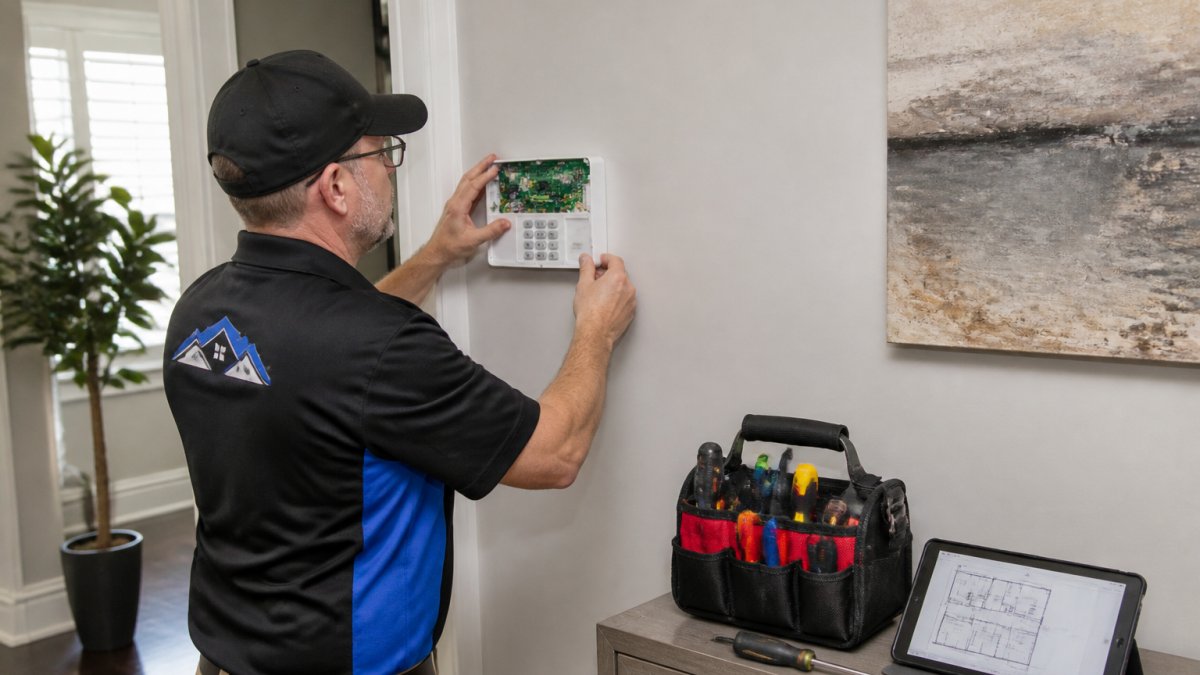
Security Assessment and System Design
A security assessment is a room-by-room evaluation of your home's entry points, blind spots, and coverage needs. The installer checks doors, windows, garages, and basement access, then designs camera and sensor placement around them.
Placement decides performance. A camera aimed at the wrong angle captures a sidewalk, not a face; a motion sensor near a heating vent triggers false alarms all winter. Good design accounts for lighting, pet traffic, and how your family moves through the house.
Equipment Selection: Cameras, Sensors, and Control Panels
Equipment selection matches devices to your home's layout and your comfort with technology. Core components include security cameras, motion sensors, door and window sensors, and a control panel that ties everything together.
Three questions drive the choice:
- How many entry points need coverage, including garage and basement access?
- Wired or wireless connectivity, based on your home's construction and Wi-Fi reliability?
- How much automation do you want, from basic alerts to full smart home integration?
Step-by-Step Professional Installation Process
Professional installation follows five stages. Here is the sequence we follow, and what you should expect from any installer:
- Pre-installation walkthrough and wiring plan
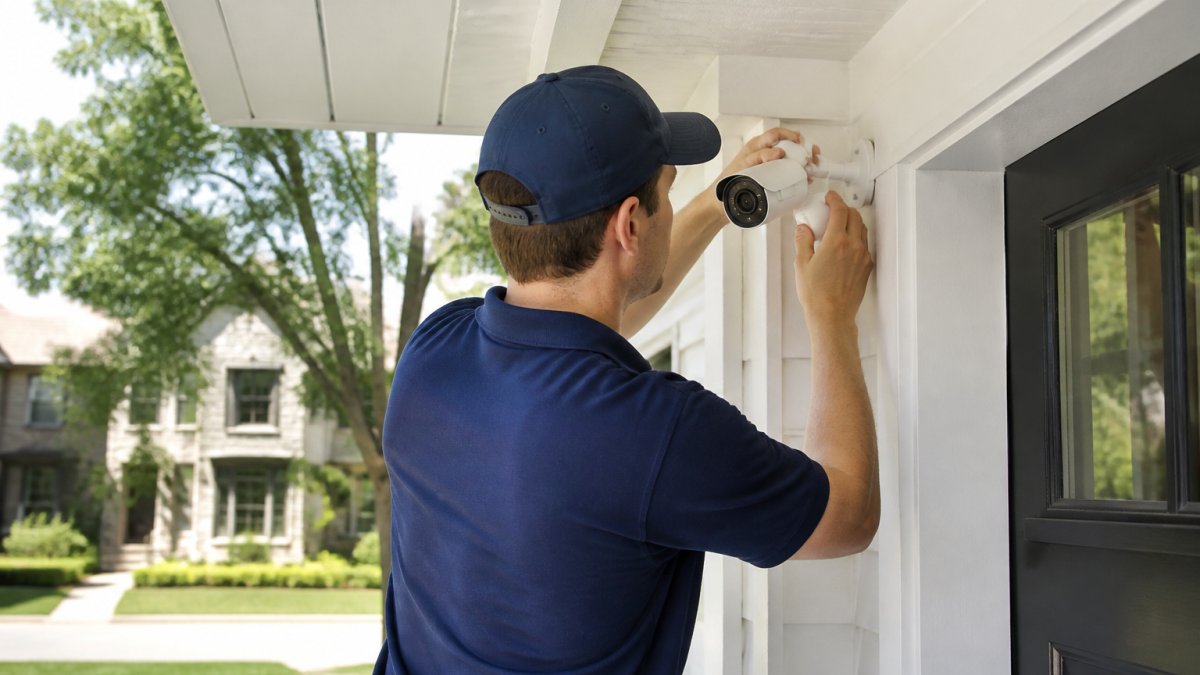
- Mounting cameras and running cable or placing wireless devices
- Installing the control panel and connecting sensors
- Pairing devices to the mobile app and monitoring network
- Full system test and homeowner walkthrough
Pre-Installation Preparation and Wiring
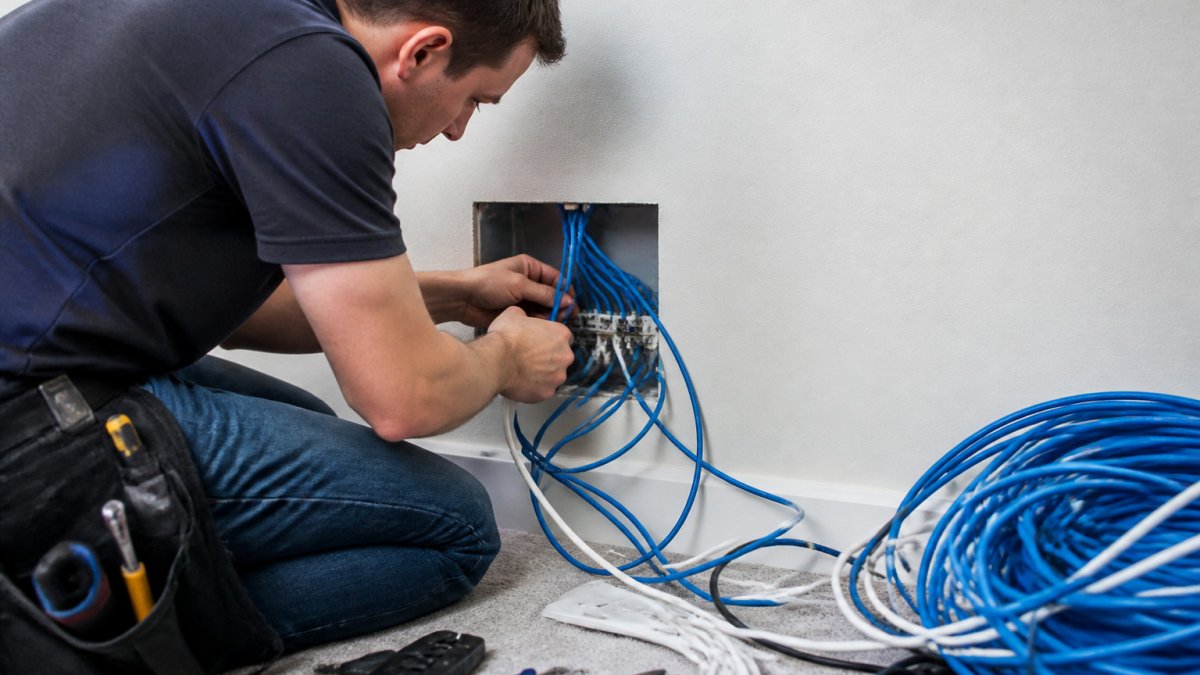
Pre-installation prep covers two things: confirming the plan and routing wiring cleanly. A wired system runs low-voltage cable through walls and attic space. A wireless system skips the cable but still needs correct mounting and signal checks.
Wiring is where cheap installers cut corners. Cables stapled along baseboards and loose connections at the panel cause intermittent faults months later. Clean cable routing is the difference between a system that lasts and one that needs service calls.
Testing, Walkthrough, and System Handoff
Testing verifies every sensor, camera, and alarm path before the installer leaves. The technician triggers each device, confirms the signal reaches the panel and monitoring center, and checks camera feeds for angle and clarity.
The walkthrough is your training session. You should leave it knowing how to arm and disarm the system, use the mobile app, and add users. If an installer leaves without walking you through the app, ask for it.
Home Security System Installation Cost: What Affects Your Quote
Home security system installation cost depends on equipment count, wired versus wireless construction, home size, and whether monitoring is included. Because every home is different, a trustworthy provider gives you a free estimate after seeing the property, not a flat number over the phone.
To compare two bids fairly, break the quote into its actual parts. A home security quote is really three separate numbers stacked together.
The Three Numbers Inside Every Quote
1. Equipment. Cameras, sensors, the control panel, keypads, and any smart locks or video doorbells.
2. Labor and installation. Mounting, wiring, panel setup, device pairing, and testing. Wired installs in finished homes cost more because cable must be fished through walls and attic space.
3. Monitoring. A recurring monthly charge, separate from the install. Quotes diverge most here, because monitoring contracts vary widely in length, cancellation terms, and what is included.
What Moves Each Number
- Number of devices: a 1,500-square-foot home with two entry doors and four windows needs far less hardware than a 3,500-square-foot home with a walkout basement and detached garage.
- Wiring complexity: finished basements, brick or stucco exteriors, and vaulted ceilings take more labor than open stud bays. Ask whether the quote assumes a specific wall type, surprises there become change orders.
- Monitoring plan: basic signal monitoring, mid-tier app control, and full-featured video and automation tiers carry different monthly rates. Confirm whether equipment is owned outright or bundled into the agreement.
- Smart features: automation and integration require compatible hardware. If you already own cameras or a smart lock, ask whether they can be integrated before you pay for replacements.
Contract Terms to Read Before You Sign
Price is only half the comparison. The other half is the agreement behind it:
- Monitoring term length. Month-to-month, one-year, and multi-year contracts are common. A lower monthly rate often comes with a longer commitment.
- Cancellation and early-termination terms. Ask what happens if you sell the house or move. Some agreements transfer to the new owner; others do not.
- Equipment ownership. Confirm whether you own the equipment at the end of the term or must return it.
- Service call policy. Find out whether troubleshooting visits are covered during the warranty period or billed separately.
Be wary of any quote given without a walkthrough. It is either padded to cover unknowns or too low to be real, and the difference shows up as change orders mid-job. We provide a free estimate and a written scope so you know exactly what you are paying for, equipment, labor, and monitoring listed as separate lines.
FTC guidance on home security and alarm system contracts
Wired vs. Wireless Home Security Systems: Which Fits Your Home?
Wireless systems suit most existing homes; wired systems suit new construction or major renovations. Wireless installs faster with less disruption, while wired systems offer more consistent signal and no battery changes.
| Factor | Wired System | Wireless System |
|---|---|---|
| Installation | Slower, involves running cable | Faster, minimal wall work |
| Reliability | Consistent signal, no batteries | Depends on signal strength |
| Best for | New builds, renovations | Finished existing homes |
| Upgrades | Harder to relocate devices | Easy to move and expand |
| Upfront cost | Higher labor | Lower labor |
A hybrid approach often works best: wired cameras where cable already runs, wireless sensors everywhere else. But the bigger question is what your specific home actually needs, and that depends on factors most comparison tables never mention.
Matching Equipment to Your Home
Pets. Standard passive infrared motion sensors can trigger on pets above roughly 40 pounds.
Existing wiring. Homes with structured wiring, coax runs, or conduit in the walls can support wired cameras at lower labor cost.
Renter or homeowner status. Renters typically need fully wireless, non-permanent mounting that leaves no holes and moves to the next address.
Internet reliability. Wireless systems depend on stable Wi-Fi.
A Simple Decision Path
- If you rent, or plan to move within a few years, start with wireless.
- If you are building or doing a major renovation, run cable now, it is far cheaper before drywall goes up.
- If you are in a finished home with no renovation planned, go wireless for sensors and consider wired only for cameras where cable already exists.
- If you have pets over 40 pounds, specify pet-immune or dual-technology motion sensors during design.
- If your Wi-Fi is unreliable, add a cellular communicator to the panel regardless of which system type you choose.
If you are unsure which fits your home, that is exactly what an on-site assessment answers, and it is the reason a quote given over the phone is worth very little.
Security System Monitoring Plans: 24/7 Protection Options
Professional monitoring means a trained team watches your alarm signals around the clock and dispatches help when something triggers. Without it, your system alerts only you, which matters little when you are asleep or away.
Monitoring plans generally fall into three tiers:
- Basic: alarm signal monitoring and emergency dispatch
- Mid-tier: adds mobile app control and alerts
- Full-featured: adds video surveillance, automation, and smart device integration
Two technical details separate good monitoring from mediocre monitoring. Dual-path communication sends signals over both internet and cellular, so a cut line doesn't disable your alarm. Two-way communication lets the monitoring center speak through your panel during an event. Ask any provider whether both are included.
Smart Home Security System Installation: Cameras, Automation, and Remote Access
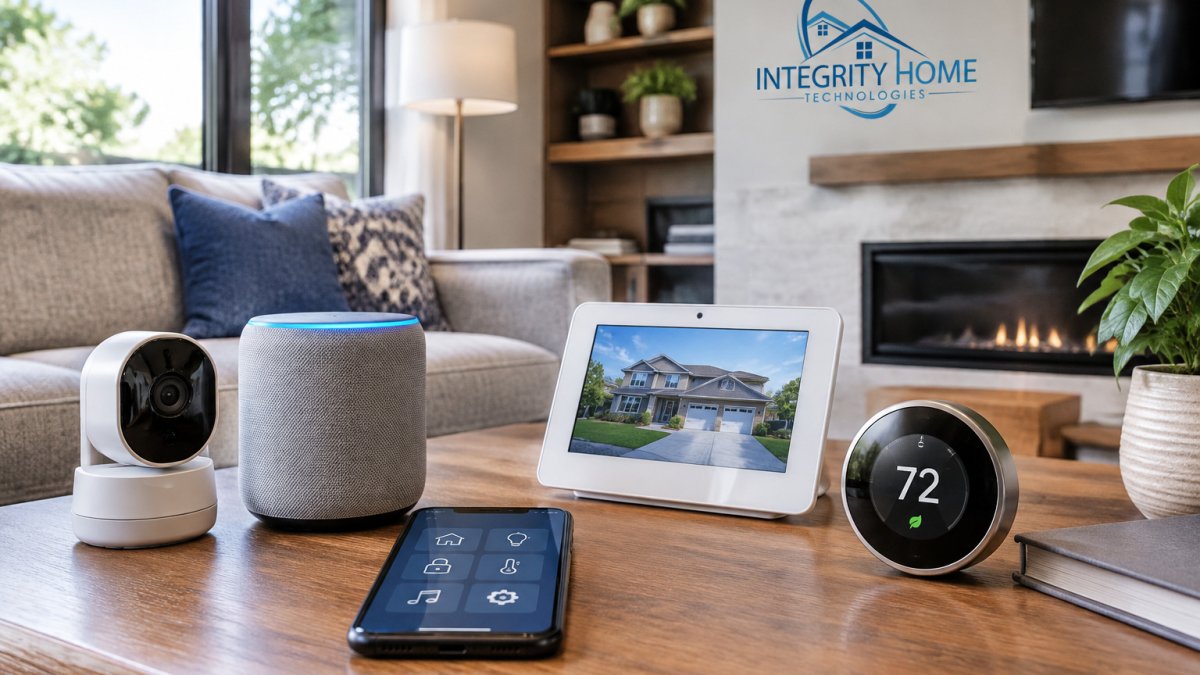
Smart home security system installation connects your cameras, sensors, locks, and lighting into one system you control from a mobile app.
Integration is where experience shows. Homeowners often own cameras from two or three brands and assume a new provider means starting over.
A connected setup typically includes:
- Security cameras with live and recorded video surveillance
- Smart locks and door sensors with remote access
- Motion sensors tied to lighting automation
- A single mobile app for every connected device
Privacy matters here too. Change default passwords, keep firmware updated, and put cameras on a separate network from your work devices. A smart system is only as secure as its weakest login.
How to Choose a Local Installer: Questions, Permits, and Red Flags
Choosing a local installer comes down to three checks: licensing and insurance, a written scope of work, and references you can verify. Local matters because service calls, adjustments, and support need someone who will show up.
Ask every provider these questions:
- Are you licensed and insured for low-voltage work in this area?
- Will you provide a written scope and a free estimate before work begins?
- What happens if a sensor fails six months from now?
- Do you handle permits if my project requires one?
- Can you integrate the equipment I already own?
Permits and false alarms deserve attention. Some jurisdictions require alarm permits, and many charge fees for repeated false alarms.
Red flags: pressure to sign the same day, no written scope, no physical address, and quotes that change once work starts.
Frequently Asked Questions
What is the average cost of a home security system installation?
Installation cost depends on the number of entry points, camera count, wiring needs, and whether you choose a wired or wireless system. Most quotes include equipment, labor, and setup. Because pricing varies by home layout and chosen features, request a free estimate from a local installer who can assess your property and provide a transparent breakdown of equipment and labor.
How long does professional home security system installation take?
A typical residential installation takes 4 to 8 hours, depending on system size and wiring complexity. Wireless systems often finish in a single visit, while wired systems with multiple cameras and sensors may require a second day. Your installer should provide a time estimate after the initial security assessment and confirm whether any prep work, such as running cable, is needed.
Can a professionally installed security system work with smart home devices?
Yes. Many modern security panels integrate with smart home platforms, allowing you to control lights, locks, thermostats, and cameras through a mobile app. During smart home security system installation, your technician can connect compatible devices and set up automation rules. Confirm that the equipment you choose supports the brands and protocols you already use before installation begins.
What should I ask a home security installer before booking?
Ask about licensing, insurance, and whether they handle permits and false alarm registration. Request a written quote that separates equipment, labor, and monitoring fees. Confirm the warranty length, service area coverage, and what happens if a sensor fails. Also ask how they test the system after installation and whether they provide training on the mobile app and control panel.
Your home's weak points are specific to your property, and a generic package will miss them. Integrity Home Technologies brings over 20 years of installation experience to every project, with a free on-site assessment, honest pricing, and clean, careful work on low-voltage and smart home systems. Get a free estimate and find out exactly what your home needs.