 Comparison
Wired Backhaul Mesh Systems: Are They Worth the Cost?
Quick Summary
A wired backhaul mesh is worth it when a satellite node serves demanding devices in a distant room and an Ethernet cable run is practical. It keeps traffic between nodes off Wi-Fi, so the radios can serve client devices, which helps most when several people game, stream and call at once.
- Wired backhaul moves traffic between nodes onto Ethernet, freeing Wi-Fi radios for client devices.
- Wireless backhaul shares airtime, so each hop reduces bandwidth available to your devices.
- Wired backhaul helps most when several devices use the network simultaneously.
- A single 4K stream usually works fine over a good wireless link.
- If cabling is impractical, consider MoCA adapters, powerline adapters, or dedicated wireless backhaul.
Table of Contents
- What Wired Backhaul Means in a Mesh System
- Ethernet Backhaul vs Wi-Fi Backhaul: Speed, Latency and Stability
- Is a Wired Backhaul Mesh Worth It for Gaming and Streaming?
- Wired Backhaul Mesh vs an Access Point Setup
- Cost, Wiring Constraints and Alternatives
- How to Set Up a Wired Mesh Network
- Deciding Whether a Wired Backhaul Mesh Fits Your Home
- Frequently Asked Questions
What Wired Backhaul Means in a Mesh System
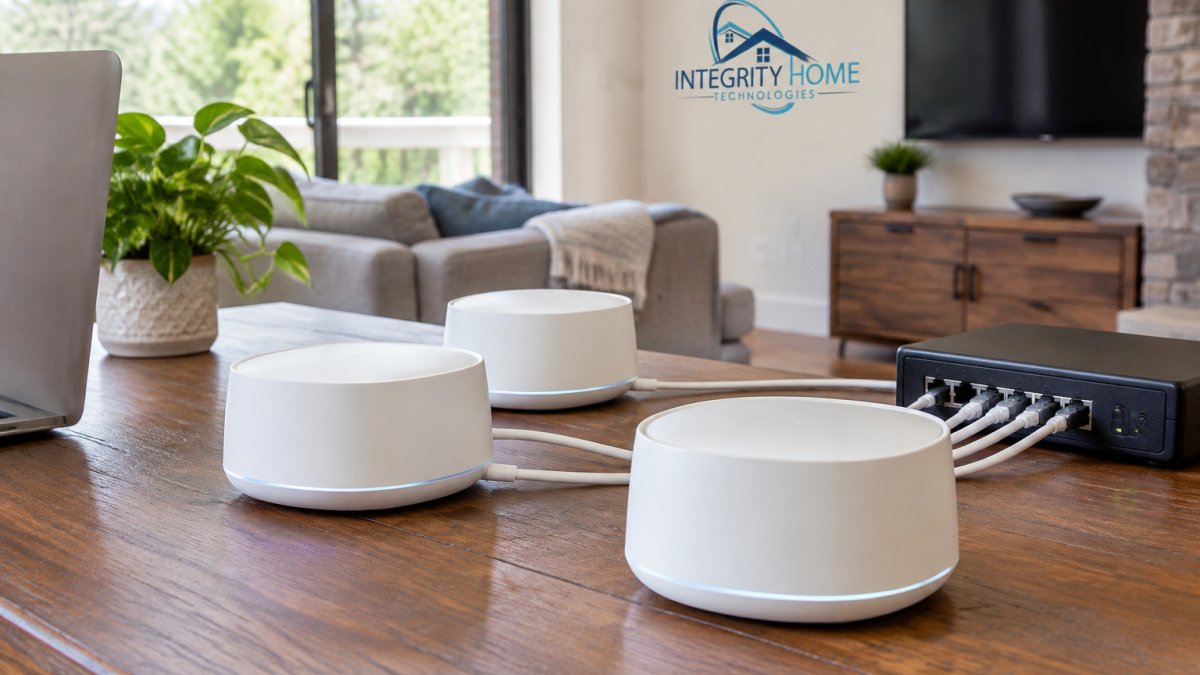
Wired backhaul is a mesh network design where the nodes communicate with each other over Ethernet cable instead of over Wi-Fi. A wired backhaul mesh system is one that uses that cable link as its main path between the router and the satellite nodes. The client devices still connect over Wi-Fi, but the traffic moving between nodes travels over copper.
This matters because a wireless mesh node has to do two jobs at once. It serves your phone or laptop, and it relays data to and from the other nodes. Those two jobs share the same radio airtime. With wired backhaul, the relay job moves to a cable, so the radios can focus on client traffic. Wi-Fi Alliance overview of mesh networking
In a typical setup, one node connects to the modem or router by Ethernet. A second node sits in a distant room and links to the first node through a run of cable. Some systems also offer a wireless backhaul option as a fallback, and some use a dedicated backhaul band.
Ethernet Backhaul vs Wi-Fi Backhaul: Speed, Latency and Stability
Ethernet backhaul generally gives a more stable link between nodes. A cable does not suffer from interference from neighboring networks, microwaves or building materials the way a wireless link can. It also keeps the Wi-Fi radios free for client devices.
Wireless backhaul is simpler to install. There is no cable to run, and it can work well in smaller homes or where the nodes are close together. The trade-off is that every hop eats into the bandwidth available to your devices. A two-node wireless system may deliver noticeably less throughput at the far end than the same hardware on wired backhaul.
Speed and latency are not the same thing. A wired link can carry more data per second, but latency is the delay in each round trip. Ethernet typically has lower and steadier latency, which is what affects video calls and online games. Packet loss and jitter, the variation in delay, are usually worse on a congested wireless hop. Measured results vary by hardware, cable quality and interference, so test your own network before drawing firm conclusions.
Is a Wired Backhaul Mesh Worth It for Gaming and Streaming?
For gaming and streaming, the answer depends less on the activity itself and more on where the device sits and how many devices share the network at once.
The mechanism matters. On a wireless backhaul, every packet from your console travels from the console to the satellite node over Wi-Fi, then from the satellite node to the main node over Wi-Fi again. That second hop shares airtime with every other client on the network.
Streaming a single 4K video is usually within reach of a good wireless link. A single 4K stream is usually within reach of a good wireless link.
Gaming is more sensitive to latency and jitter than to raw bandwidth. A wired backhaul can reduce the spikes that cause lag during online matches, because the backhaul hop no longer waits behind other wireless traffic.
A practical way to decide:
- Competitive gaming on a console or PC in a far room: wired backhaul is worth it if a cable run is feasible; otherwise, consider a wired connection from the console to the nearest node.
- Video calls and remote work: wired backhaul helps most when several people are on calls at once or when the far-room node is heavily loaded.
- Single 4K stream in a small household: a good wireless backhaul, especially a tri-band system with a dedicated backhaul band, is often sufficient.
- Large household with many simultaneous streams and downloads: wired backhaul delivers the most consistent experience.
Wired Backhaul Mesh vs an Access Point Setup
A wired mesh and a traditional access point setup solve the same problem in different ways. A mesh system manages the nodes as a single network, handling roaming and channel selection for you. A wired access point setup uses separate access points connected to a central router or switch, usually with more manual configuration.
Access points usually offer more control over channels, power levels and network segmentation. If your space is a basement office with weak signal, see how Wi-Fi signal improvements in a basement office are handled. They are a good fit for technically inclined homeowners or spaces with specific requirements. Mesh systems are generally easier to set up and use, which suits most households.
Both approaches can use Ethernet between units. The main difference is the software and management layer. If you want your network to behave like one seamless system without tuning, a wired mesh is typically the simpler option. If you want granular control, access points deserve a closer look.
Cost, Wiring Constraints and Alternatives
Cost depends on the hardware, the number of nodes, and what cabling the installation needs. Pricing depends on the layout of the home, the length of cable runs, and the equipment chosen, so contact Integrity Home Technologies or visit its website for current prices or a quote.
The bigger variable is usually labor, not cable. A short run through an unfinished basement or attic is a different project from a run through finished walls, floors, or ceilings.
Wiring is often the real obstacle, and it is where most guides stop short. If Ethernet is impractical, several alternatives exist, each with caveats:
- MoCA adapters carry network traffic over existing coaxial cable. They are a strong option in homes that already have coax outlets in the rooms where nodes will sit, and they typically outperform powerline in stability. The caveat is that MoCA requires coax in the right places and adds adapters at each end.
- Powerline adapters carry traffic over electrical wiring. They are easy to deploy but sensitive to circuit layout, noisy appliances, and older wiring, so performance varies widely from home to home. Treat them as a fallback, not an equal to Ethernet.
- Existing structured cabling is the best-case scenario. Some homes already have Ethernet runs or phone wiring that can be repurposed. Check what is already in the walls before assuming a new run is needed.
- Dedicated wireless backhaul is the no-cable option. Some mesh systems use a dedicated radio band for backhaul, which can narrow the performance gap with wired links. Check current specifications from the manufacturer, since features change across product generations.
It is also worth asking whether rewiring is necessary at all. A strong tri-band system with a dedicated wireless backhaul band, or a modest internet plan that does not saturate the wireless link, can be sufficient in many homes.
For renters and homes where drilling is not an option, MoCA over existing coax and a well-placed wireless mesh are usually the realistic paths. For owners planning renovations, running Ethernet during the project is often the lowest-cost moment to do it.
The article lays out the main wiring alternatives and what each one depends on.
| Option | Best for | Key caveat |
|---|---|---|
| Ethernet backhaul | Best-case, stable links | Requires a cable run |
| MoCA adapters | Homes with coax in the right rooms | Needs coax outlets and adapters at each end |
| Powerline adapters | Easy deployment | Performance varies with circuit layout and noise |
| Existing structured cabling | Homes with usable runs already in the walls | Check what is already installed first |
| Dedicated wireless backhaul | No-cable installs | Check current manufacturer specifications |
How to Set Up a Wired Mesh Network
Setting up a wired mesh follows a few clear steps. Plan first, then install. Before you start, review how to plan a professional network cabling installation.
- Choose the node locations. Place the main node near the modem and the satellite node where coverage is weakest, but within practical reach of a cable run.
- Plan the cable route. Measure the path and identify where the cable will pass through walls, attics or crawl spaces. Use cable rated for the run and installation method.
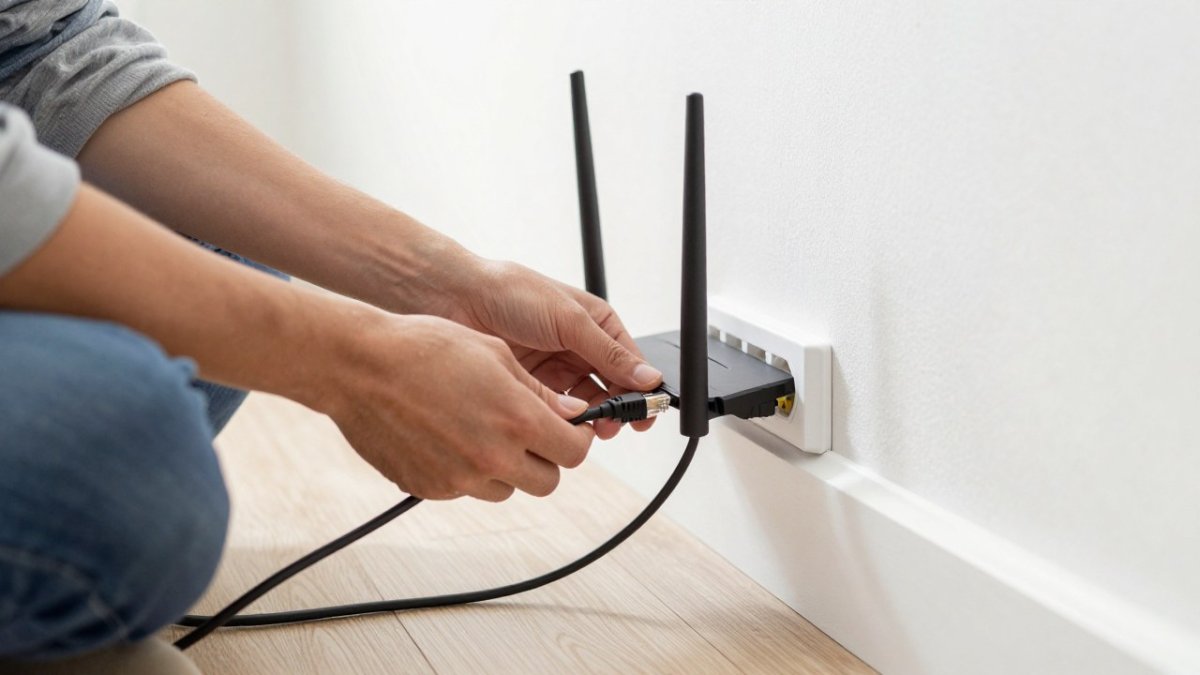
- Connect the main node. Plug the first node into the modem or router by Ethernet, following the manufacturer's instructions.
- Run and terminate the backhaul cable. Connect the satellite node to the main node through the cable, using the port the manufacturer designates for backhaul.
- Power up and sync. Start the nodes and allow them to sync through the app or web interface.
- Test the connection. Check speeds and latency at each node, and walk the space to confirm coverage.
Common mistakes include plugging the backhaul cable into a client port, which can disable the wired link, and forgetting to test after the nodes sync. A careful test at the far end of the house is the best way to confirm the setup works.
Deciding Whether a Wired Backhaul Mesh Fits Your Home
A wired backhaul mesh is worth considering when your home is large, has thick walls or sees heavy simultaneous use, and when a cable run is practical. It is less compelling in a small apartment where a single router already covers the space well.
Ask these questions before deciding:
- Do the satellite nodes need to serve gaming consoles, streaming devices or video calls?
- Can an Ethernet cable reach each node without major renovation?
- Is the current wireless performance at the far end of the home measurably poor?
- Does the household need one seamless network without manual tuning?
If you answer yes to most of these, a wired backhaul mesh is likely a sound choice. If the wiring is impractical, a wireless mesh or a well-placed access point may serve you better. We recommend testing the existing network first, and our team can assess your home at no cost to help you decide.
Ready to see what a wired connection would look like in your home? Contact Integrity Home Technologies for a quote, and the team can review your layout and discuss the setup that fits.
Frequently Asked Questions
Is wired backhaul better than wireless?
In most homes, yes. Wired backhaul sends traffic between mesh nodes over an Ethernet cable instead of sharing radio airtime with your devices. That usually means higher throughput between nodes, lower latency and fewer drops under load. Wireless backhaul is easier to install and can be enough for a small home or a short distance between nodes. If the nodes are within a single room or two of each other and devices stream lightly, wireless may perform well. The gap widens as you add more devices, more nodes or more walls between them.
Should I hardwire my mesh system?
Hardwire your mesh system if you can run Ethernet cable between the nodes without major construction. Wired connections give each node a dedicated path back to the main router, which helps during video calls, large downloads and online gaming. If running cable is impractical, a wireless mesh may still be sufficient. Check whether your specific mesh model supports wired backhaul before buying, since not all do, and confirm the node placement you plan to use.
Is wired backhaul worth it for gaming?
For many gamers, yes. Online games are sensitive to latency and jitter, not just raw speed. Wired backhaul avoids competing with your other devices for wireless airtime, which can reduce lag spikes on a node that serves a gaming console or PC. The benefit is most noticeable when several people stream or download at the same time. If you game on a single device close to the main router, a wired connection directly to the router will usually matter more than mesh backhaul.
Can you add Ethernet backhaul to an existing mesh system?
Often, yes, provided your mesh system supports wired backhaul and the nodes have an Ethernet port that can be used for that purpose. Some systems automatically detect a wired connection between nodes, while others require a setting change in the app. Check your model's documentation for supported configurations. If your existing nodes lack this capability, adding a wired link will not help, and you may need compatible hardware.