 How-to
Commercial Surveillance Camera Installation in Cincinnati
Last Updated: October 23, 2026
Quick Summary
Commercial surveillance camera installation in Cincinnati starts with a documented security assessment of entry points, high-value areas, lighting, and network capacity before any camera model is quoted. At Integrity Home Technologies, we've wired low-voltage systems for more than 20 years, and projects that skip planning usually pay twice for the wrong hardware and a rewire.
- A credible commercial quote separates hardware, labor, cabling, configuration, and recurring subscriptions.
- Place cameras by risk area, not symmetry, with face-level coverage at entrances and exits.
- Dropping frame rate from 30 to 15 frames per second roughly halves storage for most scenes.
- Set up remote viewing with individual user accounts instead of one shared login.
- Ask who owns the system login credentials when the job is done; the answer should be you.
Table of Contents
- Start With a Security Assessment, Not a Shopping List
- What Drives Commercial Security Camera System Cost
- Business Surveillance Camera Placement by Risk Area
- IP Camera Installation for Businesses: Step by Step
- Storage, Remote Viewing, and Access Control Integration
- Commercial Camera System Maintenance That Prevents Blind Spots
- How to Vet a Commercial Surveillance Installer
- Conclusion: Plan the System Around Your Business, Not the Box
- Frequently Asked Questions
Start With a Security Assessment, Not a Shopping List
Commercial surveillance camera installation in Cincinnati starts with a walkthrough, not a catalog.
A security assessment is a documented review of your property's entry points, high-value areas, lighting, network capacity, and existing wiring.
Most buyers skip this step. They buy four cameras, mount them where the old ones were, and discover in month three that the loading dock has no coverage at all.
What Drives Commercial Security Camera System Cost
Commercial security camera system cost depends on camera count, resolution, cabling runs, recording hardware, and whether your building needs new network infrastructure. Two buildings of the same square footage can land in very different places. Most ranking pages stop at "request a quote," which leaves you unable to sanity-check the proposals you receive. This section breaks the number into the line items an installer actually prices, so you can compare bids apples to apples.
Here is what moves the number, and why:
- Camera count and type. A basic fixed HD camera and a pan-tilt-zoom unit are not the same purchase. PTZ units carry motors, zoom lenses, and more configuration labor. Expect each added camera to carry both a hardware line and a mounting/termination labor line.
- Cable runs. Long pulls through finished ceilings, conduit in a parking structure, or trenching across a lot add labor. A short drop above a drop ceiling is minutes; a 150-foot pull through occupied office space with fire-rated penetrations is an hour-plus of labor plus materials.
- Recording and storage. Local recorders, cloud video storage, or a hybrid setup all price differently. Cloud subscriptions scale with camera count and retention days; local recorders are a capital cost plus a hard-drive replacement cycle.
How to read a commercial camera quote
A credible commercial quote separates hardware, labor, cabling, configuration, and any recurring subscription. When those are bundled into one number, you cannot tell whether you are paying for better cameras or for more labor. Ask for the line items, then compare:
| Line item | What to check |
|---|---|
| Cameras | Model number, resolution, lens, indoor/outdoor rating |
| Recorder/NVR | Channels, drive capacity, RAID or redundancy |
| Cabling | Cable type, estimated run lengths, conduit included? |
| Labor | Installation, termination, configuration, training hours |
| Network | Switch model, PoE budget, any new cabling |
| Recurring | Cloud storage, monitoring, service plan, per-camera fees |
Budgeting without a firm number
We quote after the assessment, not before. Pricing depends on the walkthrough findings, and you should be suspicious of any installer who gives a firm number over the phone without seeing the site. What you can do before the walkthrough is set a budget band by deciding three things: how many cameras you truly need, how many days of retention your insurer or counsel requires, and whether you want local recording, cloud, or both.
Cybersecurity and Infrastructure Security Agency guidance on securing small business networks
Business Surveillance Camera Placement by Risk Area
Business surveillance camera placement should follow risk, not symmetry. The instinct is to space cameras evenly around the perimeter. That looks tidy on a drawing and leaves your most vulnerable spots uncovered.
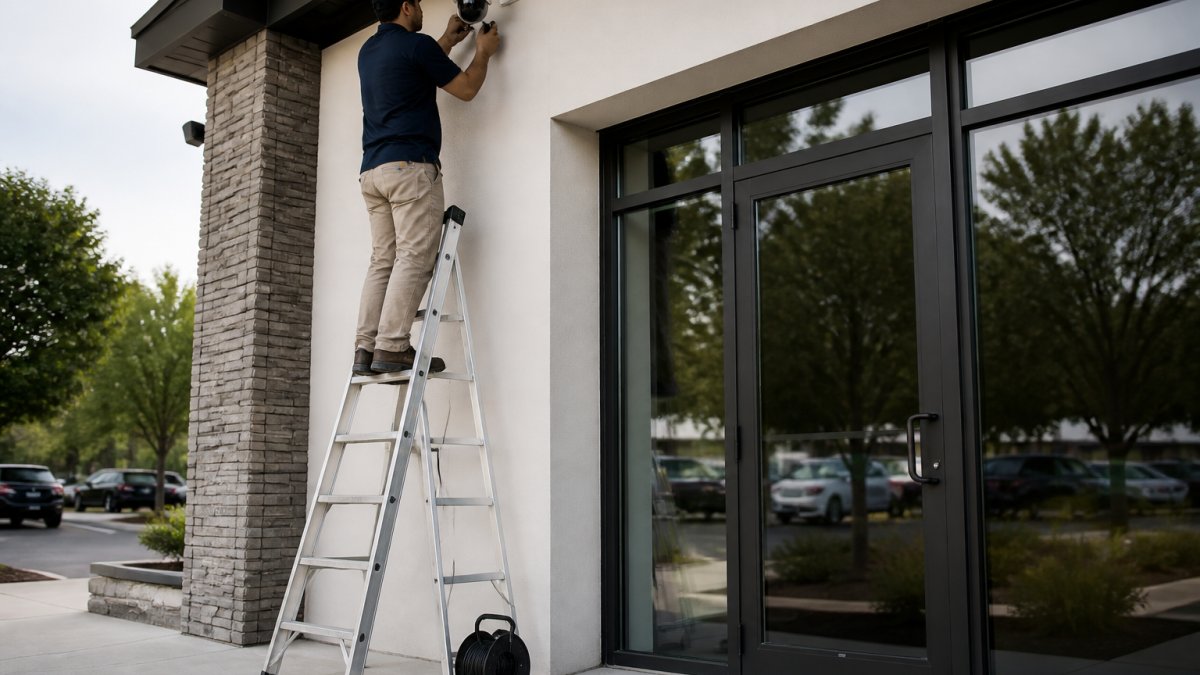
Place coverage where losses actually happen:
| Risk Area | Placement Priority | Why It Matters |
|---|---|---|
| Entrances and exits | Face-level, both directions | Captures faces, not the tops of heads |
| Cash handling and registers | Overhead plus counter angle | Deters internal loss, documents disputes |
| Loading docks and rear doors | Wide coverage plus plate angle | Highest-theft zone on most commercial property |
| Parking and exterior | Overview plus choke points | Covers vehicles and approach paths |
| Server and utility rooms | Door-facing only | Restricted areas, limited camera count |
A common mistake is aiming cameras at the ground. Mount them to catch faces at the door, and use a second angle for wide coverage.
IP Camera Installation for Businesses: Step by Step
IP camera installation for businesses follows a sequence. Skip a step and you'll be troubleshooting it for months.
- Complete the site assessment. Document entry points, lighting, and existing cabling.
- Design the system. Choose camera types, resolution, and recording approach.
- Verify network capacity. Confirm switches, bandwidth, and power-over-Ethernet budget.
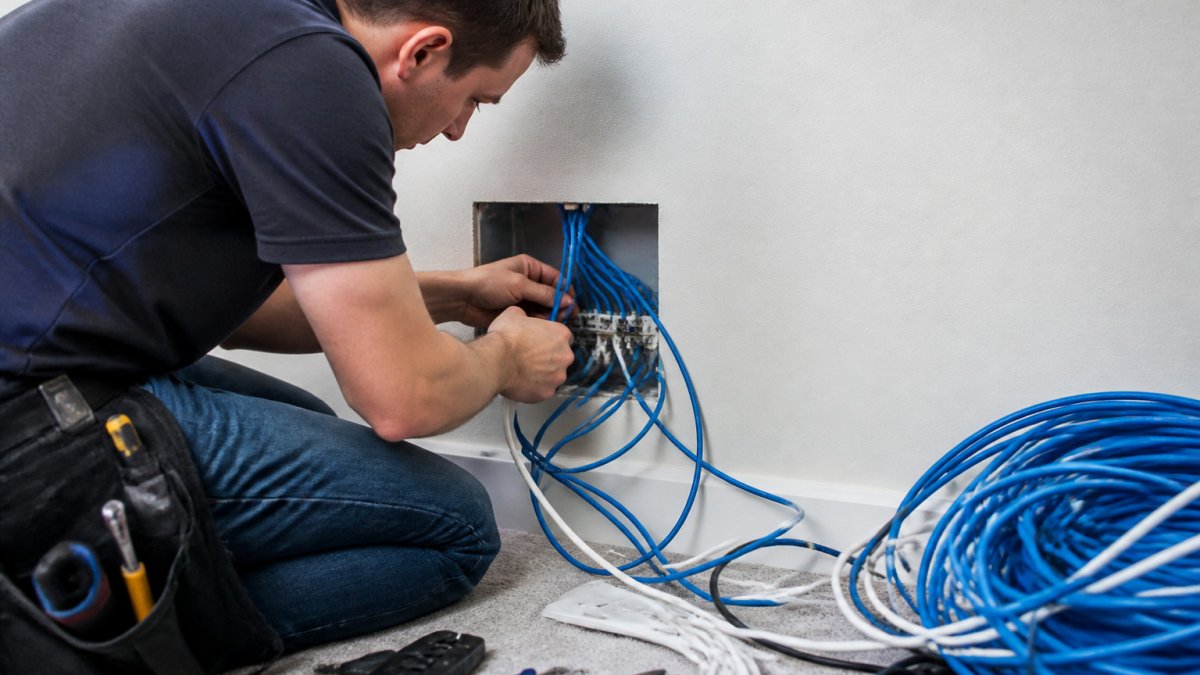
- Run cabling. Pull, terminate, and label every run before mounting anything.
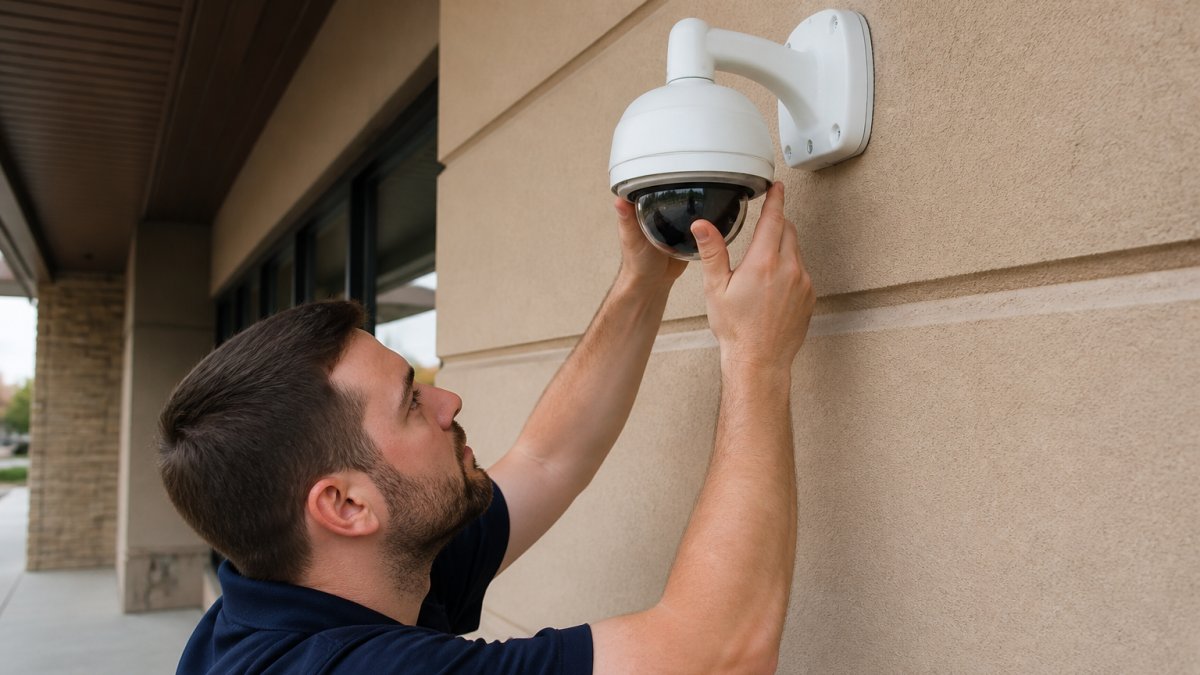
- Mount and aim cameras. Set fields of view against the placement plan.
- Configure recording and remote viewing. Set retention, alerts, and user access.
- Test every camera and every user account. Walk the property and confirm coverage.
- Train your staff. Show them how to pull footage and who to call.
IP cameras send video over your network, which means one cable carries both power and data. That's the practical advantage over older wired cameras that needed separate power runs. HD cameras at 1080p handle most door and counter coverage; higher resolution helps at distance, like a parking lot, but costs more in storage.
Storage, Remote Viewing, and Access Control Integration
Video storage is where budgets quietly drift. Cloud storage charges monthly and scales with retention. Local recorders cost more upfront and need physical security. Most commercial properties we work with land on a hybrid: local recording for full retention, cloud for alerts and remote viewing. The decision is really a set of trade-offs, so here is how to think through each one.
Retention math you can do before the walkthrough
Storage is driven by resolution, frame rate, compression, camera count, and retention days. A common planning pattern is to estimate per-camera daily storage at the chosen resolution and frame rate, multiply by camera count and retention days, then add headroom for motion spikes and firmware overhead. Two practical levers:
- Frame rate. Dropping from 30 to 15 frames per second roughly halves storage for most scenes without hurting identification of people or vehicles.
- Motion-based recording. Recording only on motion cuts storage dramatically in low-traffic areas like server rooms and rear doors, but you must confirm the pre-roll buffer is long enough to catch the approach.
If your insurer or legal counsel wants 30 days, plan for 30 days. Recording 90 days "just in case" multiplies hardware cost for footage nobody reviews.
Local vs. cloud vs. hybrid
| Approach | Strength | Trade-off |
|---|---|---|
| Local NVR | No recurring fee, full-resolution retention | Recorder is a single point of failure; needs physical security and drive replacement |
| Cloud | Off-site copy, easy remote access, no drive maintenance | Monthly cost scales with cameras and retention; depends on upload bandwidth |
| Hybrid | Local retention plus cloud alerts/clips | Two systems to configure and maintain |
Bandwidth matters here. Cloud recording competes with your business internet, so confirm upload capacity before committing to cloud retention for every camera. Many properties send only alerts and event clips to the cloud and keep full footage local.
Remote viewing done safely
Remote viewing lets you check a camera from a phone or laptop. Set it up with individual user accounts, not one shared login. When an employee leaves, you revoke one account instead of changing the password for everyone. Put cameras on a segmented network or VLAN so a compromised camera cannot reach business systems, change default credentials on day one, and keep firmware current, CISA's guidance on securing internet-connected devices covers the basics.
Access control and intrusion integration
Access control integration ties door readers to the same platform as your cameras. A badge event and a video clip appear together, which shortens investigations considerably. Intrusion detection can trigger recording on motion after hours. The practical question is whether you want one platform or best-of-breed components linked by integration, one platform is simpler to manage, while separate systems can be easier to replace piece by piece.
Commercial Camera System Maintenance That Prevents Blind Spots
Commercial camera system maintenance is the difference between a system that works and one that looks like it works. Cameras don't usually fail dramatically. They drift, fog up, or get nudged out of aim.
A practical maintenance routine:
- Monthly: Check that every camera is online and recording.
- Quarterly: Clean lenses and housings, and verify fields of view.
- Seasonally: Inspect exterior mounts and cable seals for weather damage.
Firmware matters more than most owners realize. Unpatched cameras are a known entry point for network attacks, which is why CISA's guidance on securing internet-connected devices is worth reading before you expose any camera to the internet.
How to Vet a Commercial Surveillance Installer
Vetting an installer comes down to evidence, not sales pitch. Ask for these before signing:
- Proof of licensing and insurance for low-voltage work
- References from commercial properties similar to yours
- A written scope that lists camera models, counts, and cable runs
What most guides miss is the handoff question. Ask who owns the system login credentials when the job is done. The answer should be you, not the installer.
At Integrity Home Technologies, we're locally owned, and we've built our reputation on honest communication and customer-first service, backed by a 5.0 rating across 41+ Google reviews.
Federal Trade Commission guidance on home security and safety claims
Conclusion: Plan the System Around Your Business, Not the Box
The hardest part of commercial surveillance camera installation in Cincinnati isn't the mounting. It's resisting the urge to buy hardware before you understand your property.
Integrity Home Technologies handles the assessment, the low-voltage wiring, and the integration as one project, with free estimates and clean, careful work. Get a free estimate and start with a walkthrough instead of a shopping list.
Frequently Asked Questions
How much does commercial surveillance camera installation cost?
There is no single price because commercial security camera system cost depends on camera count, resolution, cabling runs, storage, and whether you add access control or intrusion detection. A single-entry retail space needs far less hardware than a warehouse with loading docks. Ask for a line-item quote that separates cameras, recording equipment, labor, and any low-voltage wiring. Integrity Home Technologies provides free estimates for Cincinnati and Northern Kentucky businesses, and pricing depends on the site assessment rather than a flat package.
How many security cameras does a business need?
Count the points someone could enter, exit, or move valuables through, then add coverage for cash handling and any area with prior incidents. A small office might need four to six cameras; a multi-tenant property or warehouse often needs twelve or more. Business surveillance camera placement matters more than raw count, since one well-positioned camera at a main entrance can replace three poorly aimed ones. A walkthrough with an installer will give you a realistic number before you commit.
Can a business reuse existing cameras or wiring in a new installation?
Often yes, but it depends on the cable type and camera age. Analog cabling can sometimes support newer HD over coax, while IP camera installation for businesses usually needs Cat5e or Cat6 network cable. Mixed-brand systems can be integrated if the recorders support the protocols, but older cameras may lack the resolution or low-light performance you want. An installer should test existing runs and tell you which parts are worth keeping rather than defaulting to a full replacement.
How should a business maintain its surveillance camera system?
Schedule quarterly checks that cover lens cleaning, housing seals, recording playback, and storage health. Commercial camera system maintenance should also include firmware updates and a review of user accounts, since default passwords are a common weak point. Test remote viewing after any network change, and keep a log of failures so you can spot a camera that keeps dropping offline. A maintenance agreement typically pays for itself by catching a failed drive before it erases weeks of footage.